
Spilled Water on Your Laptop? Cut Power Before You Blot
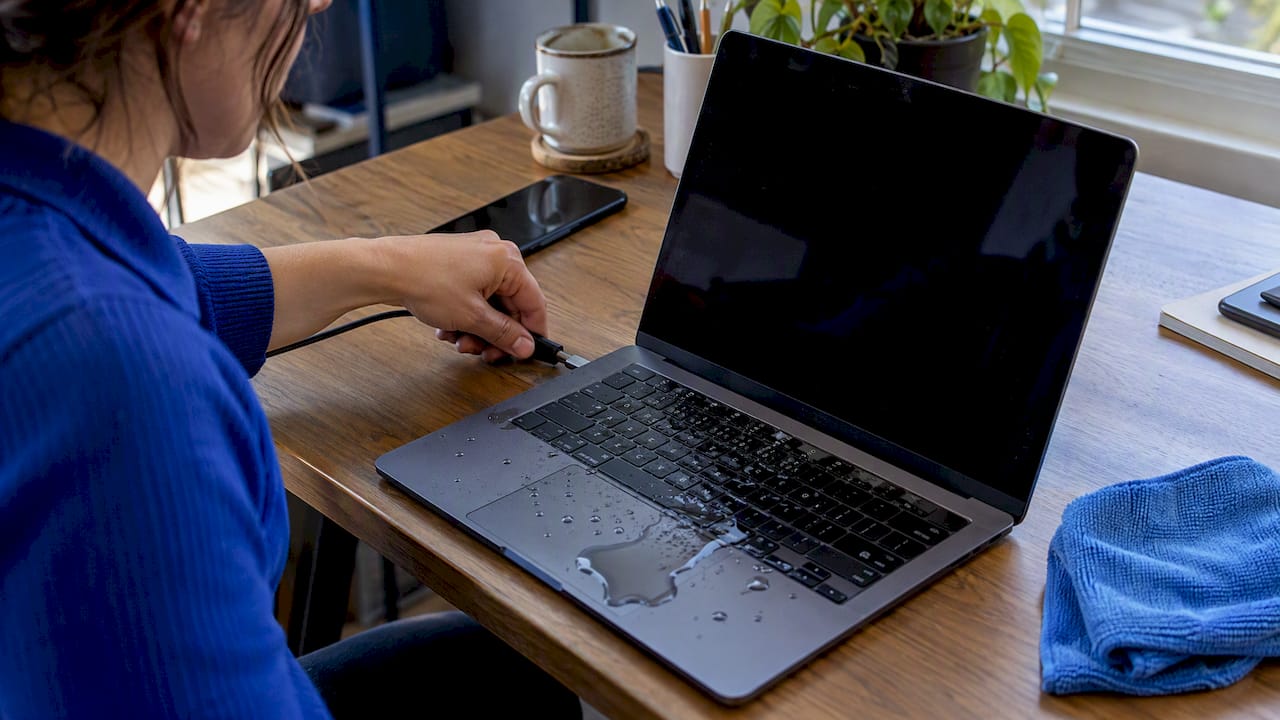
Act fast after a laptop spill: cut power, dry it safely, protect your data, and learn when DIY should stop and a technician should handle repairs.
Act fast after a laptop spill: cut power, dry it safely, protect your data, and learn when DIY should stop and a technician should handle repairs.
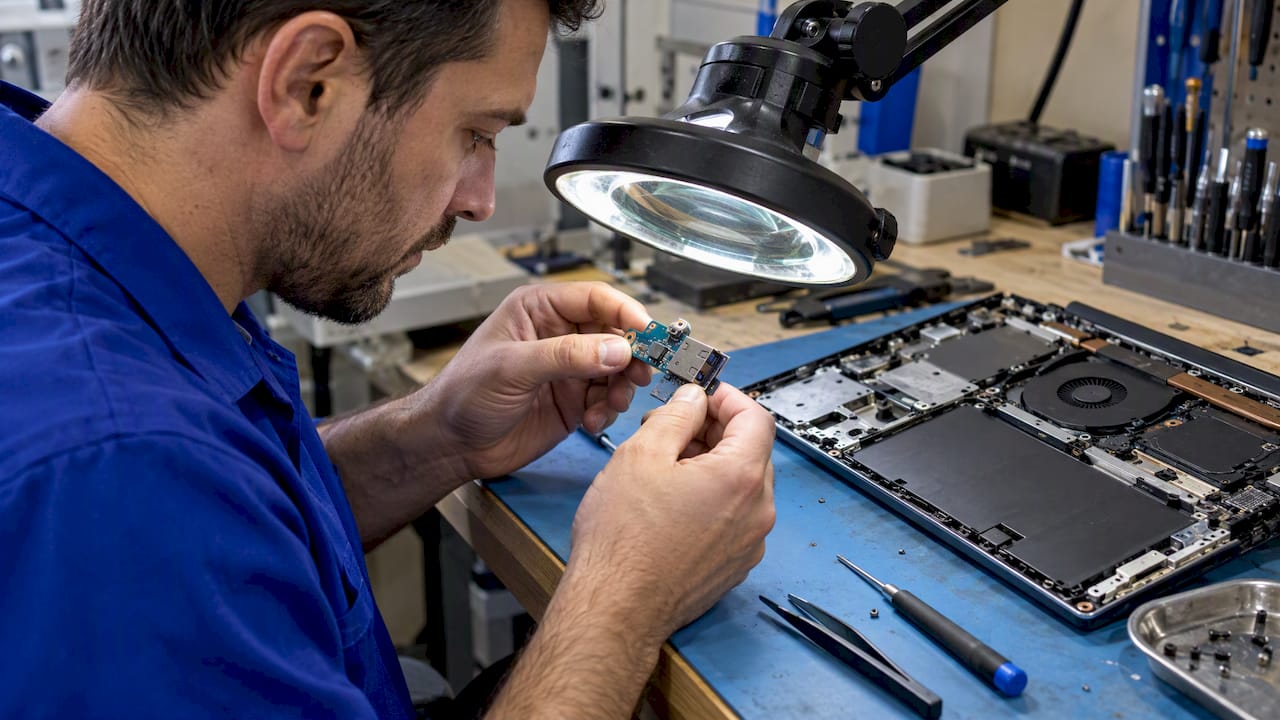
Rule out drivers, power settings, cables, and accessories before opening a laptop. Learn when a loose USB port needs repair and what onsite service can fix.
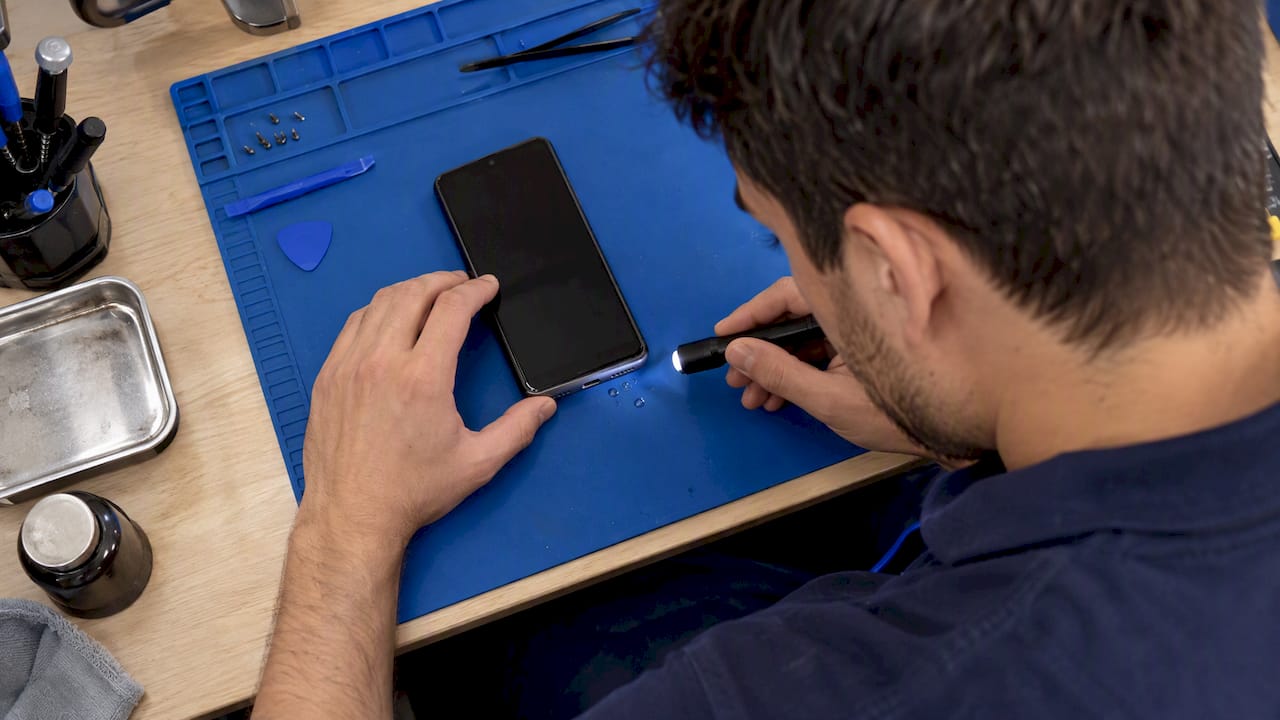
Check cables and settings first when an Android phone will not charge. Stop at liquid or debris warnings, and book a technician for hardware faults.
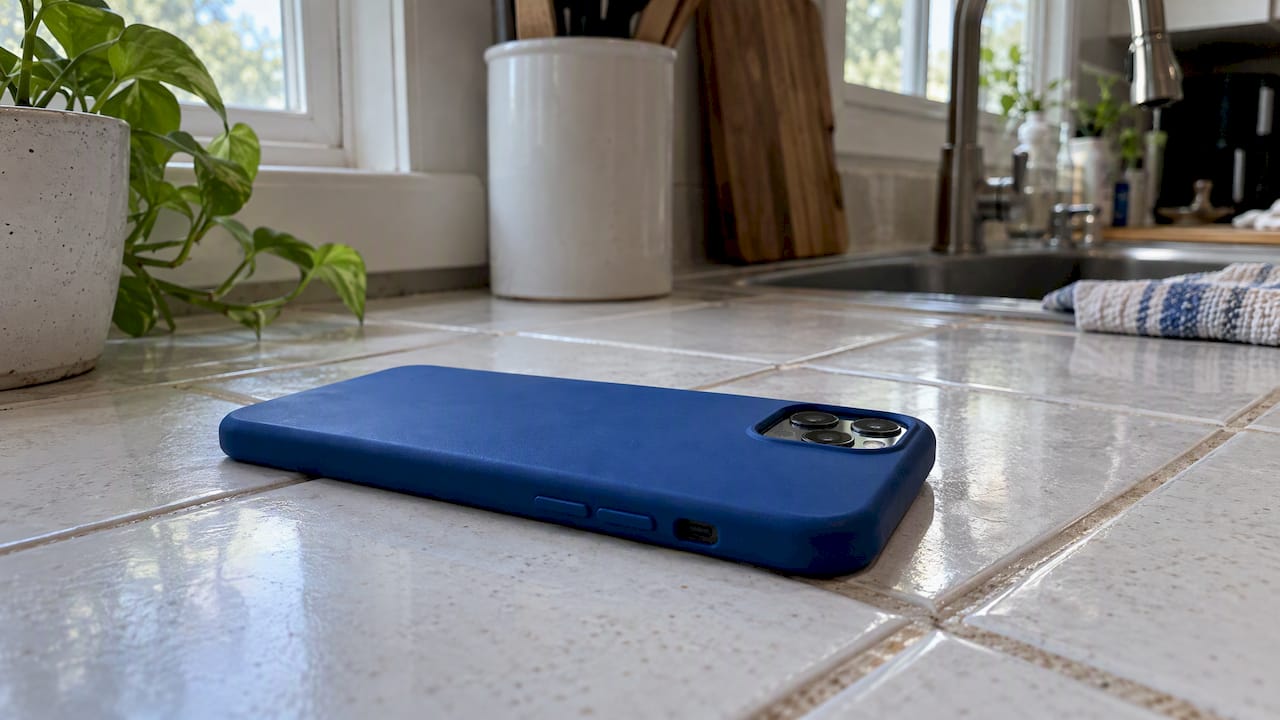
Cool an overheating Android with five quick steps, then check apps, charging, and battery warning signs. Know when to stop troubleshooting and seek repair.
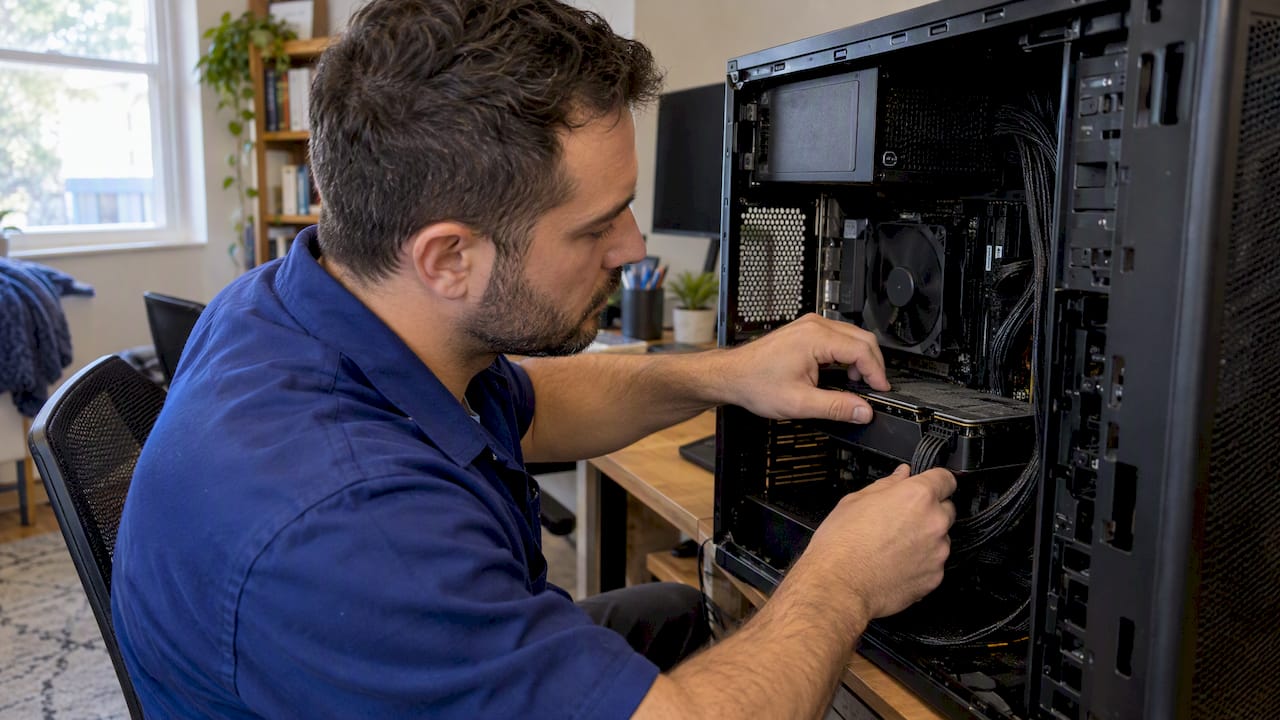
Replace a PC power supply safely by matching wattage, case fit, and GPU connectors. Use the supplied cables, and call a technician if you see damage.
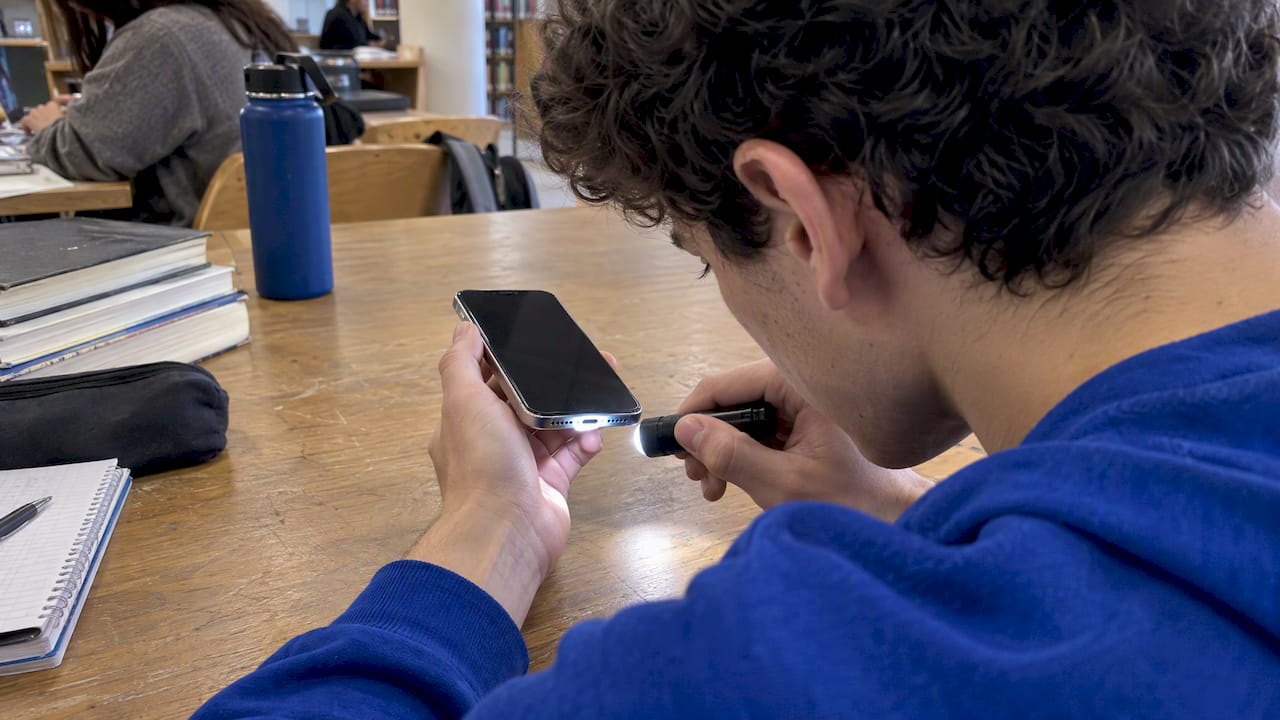
If your iPhone won’t charge, test cables and settings, clean the port safely, handle moisture alerts correctly, and know when to call a repair pro.
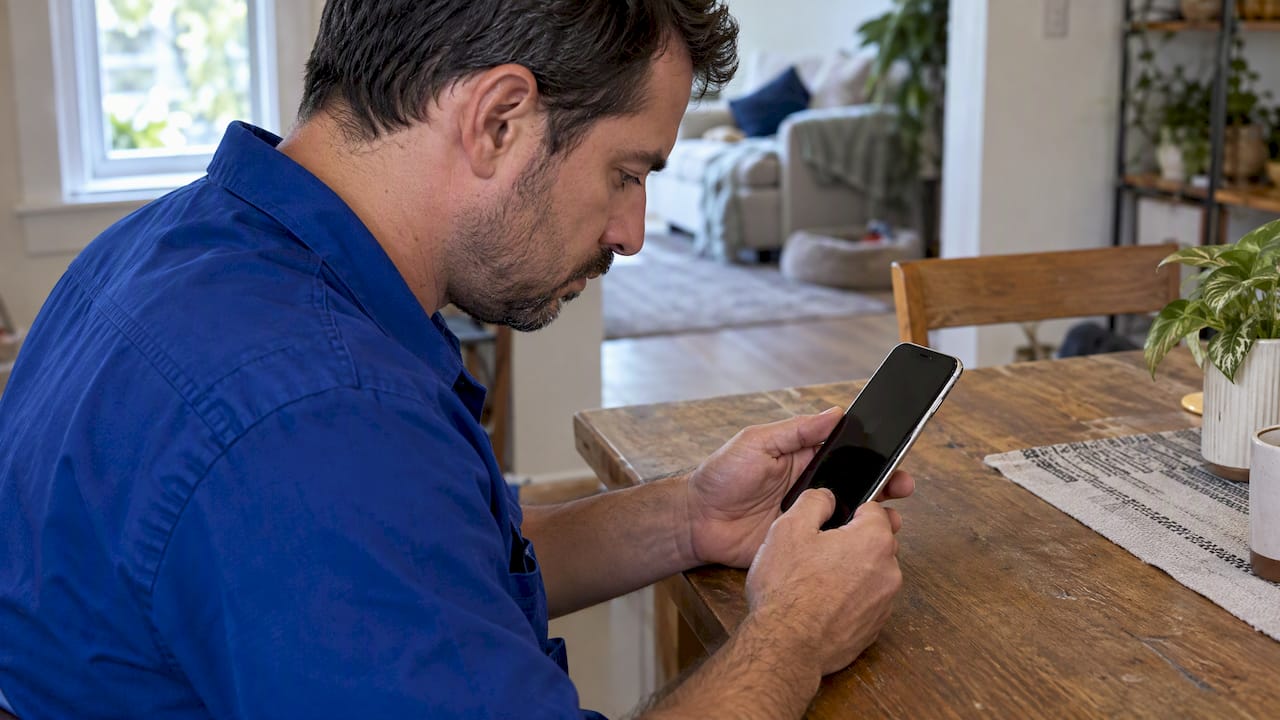
Technician approved, safety first steps to cool an overheating iPhone: quick fixes under 5 minutes, battery and software checks, and clear signs to call a…
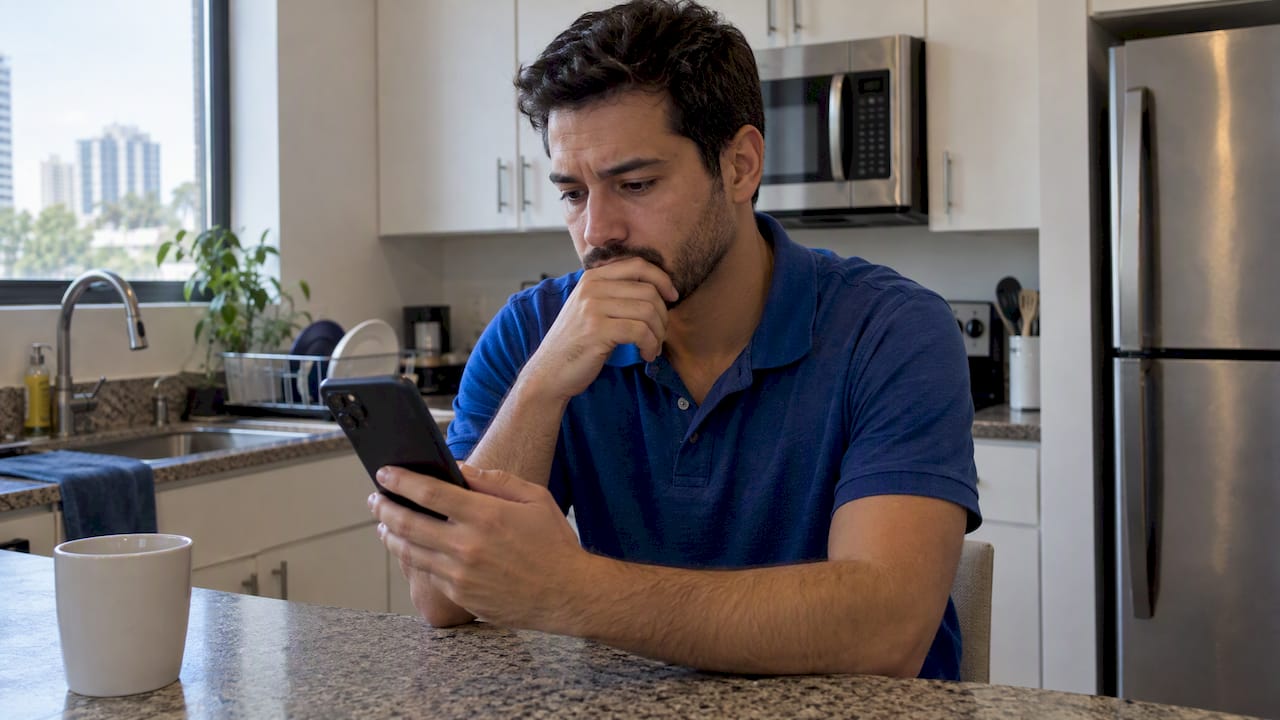
Identify whether a browser tab, site notification, or an app is causing Android virus pop ups, follow focused fixes that stop them, and know when to call…

Use Settings > Battery and the Daily Usage chart to find why your iPhone battery drains. Try quick fixes first, then get same day replacement if needed.

Run routing, volume, and restart checks that fix most iPad speaker problems. If not, Reset All Settings or book same day on site repair.










