
iPhone Not Charging? 8 Safe Checks Before Calling a Pro

If your iPhone won’t charge, test cables and settings, clean the port safely, handle moisture alerts correctly, and know when to call a repair pro.
If your iPhone won’t charge, test cables and settings, clean the port safely, handle moisture alerts correctly, and know when to call a repair pro.

Technician approved, safety first steps to cool an overheating iPhone: quick fixes under 5 minutes, battery and software checks, and clear signs to call a…

Identify whether a browser tab, site notification, or an app is causing Android virus pop ups, follow focused fixes that stop them, and know when to call…

Use Settings > Battery and the Daily Usage chart to find why your iPhone battery drains. Try quick fixes first, then get same day replacement if needed.

Run routing, volume, and restart checks that fix most iPad speaker problems. If not, Reset All Settings or book same day on site repair.

See U.S. repair timelines: same day screens and batteries, 5–15 business days for mail in repairs, plus a technician checklist to shave days from your wait.

Create the admin account, enable full-disk encryption, enroll devices in MDM, then remove local admin rights before handoff. Repair Genius provides…

A repair expert’s evidence based look at rice and silica gel, with lab results, real tests, clear steps to dry wet devices, and when to stop DIY and get…

Run daily iCloud backups for off site safety and make an encrypted computer backup before repairs or updates. That preserves passwords, Health data, and…
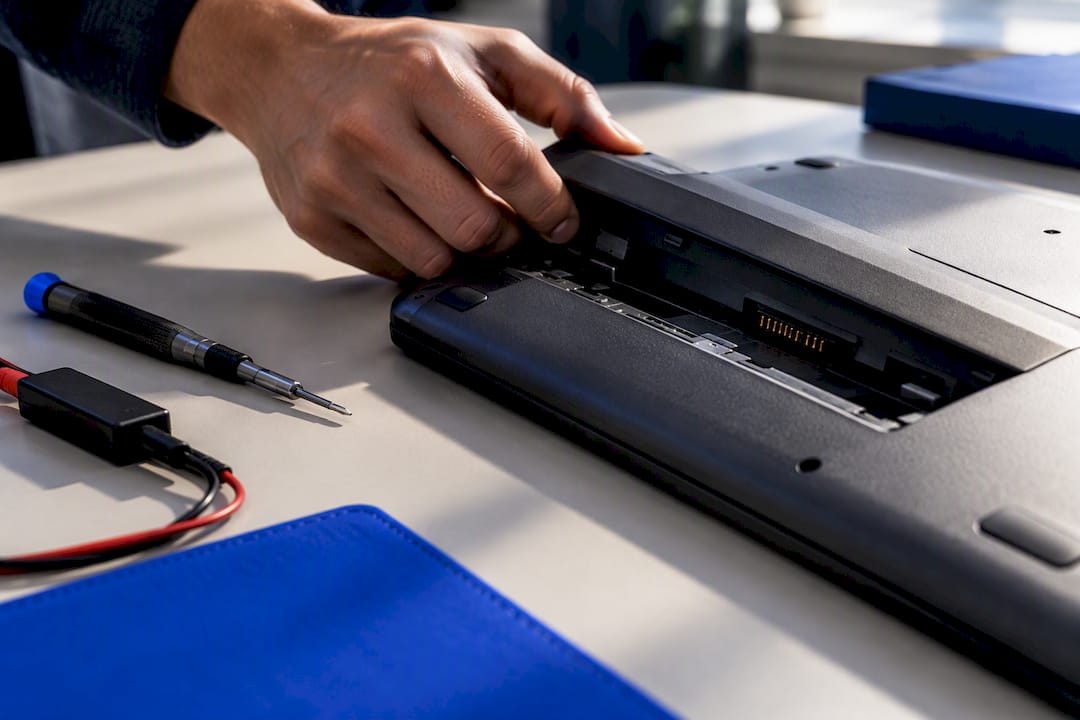
Find out why most laptop batteries fall to 80% in 2–4 years, which heat and charge habits speed aging, how to check health, and how to book same day on…










