
Before Upgrading RAM: When 16GB Is Enough and When to Call a Pro
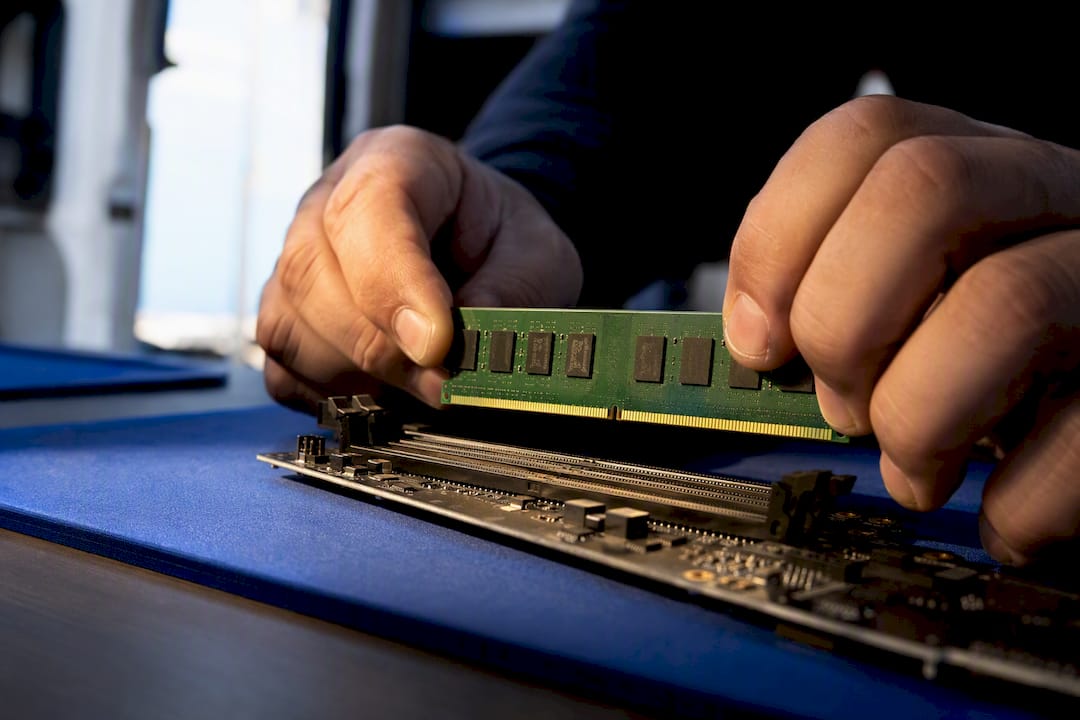
Diagnose the slowdown before you buy RAM. Learn the 80% memory rule, why 16GB is the practical baseline for most users, and when to bring in a technician.
Diagnose the slowdown before you buy RAM. Learn the 80% memory rule, why 16GB is the practical baseline for most users, and when to bring in a technician.
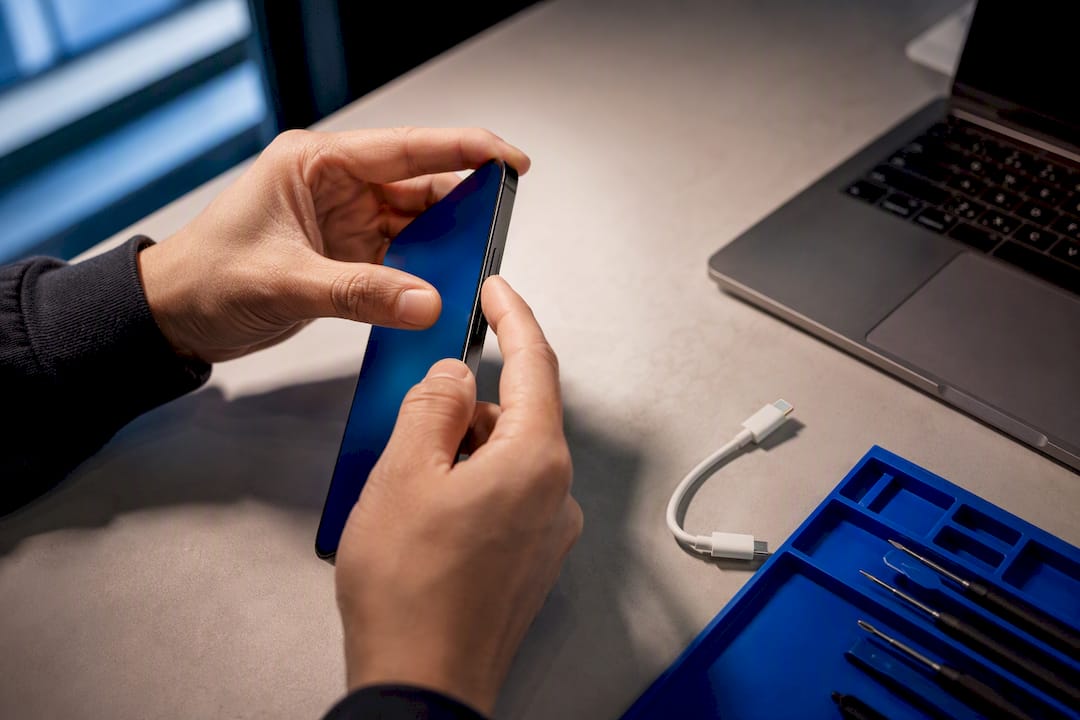
For tech savvy iPhone users: try Recovery first to preserve data. Reserve DFU for bootloader corruption, downgrades, or after 3–5 failed attempts.

Spot the three Windows virus symptoms that need immediate action, learn to diagnose likely malware, and follow a prioritized removal flow.
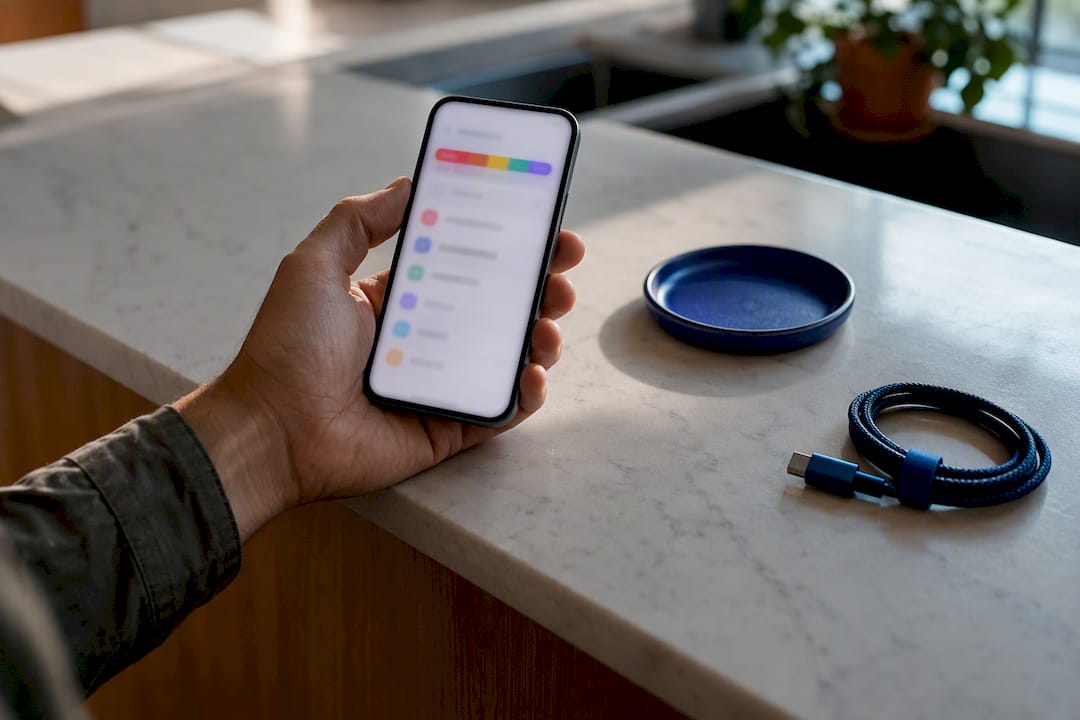
Run a prioritized 10-minute checklist to clear ‘Storage Full’ on your iPhone without deleting photos. Fast steps, backup-and-restore fixes, and when to…
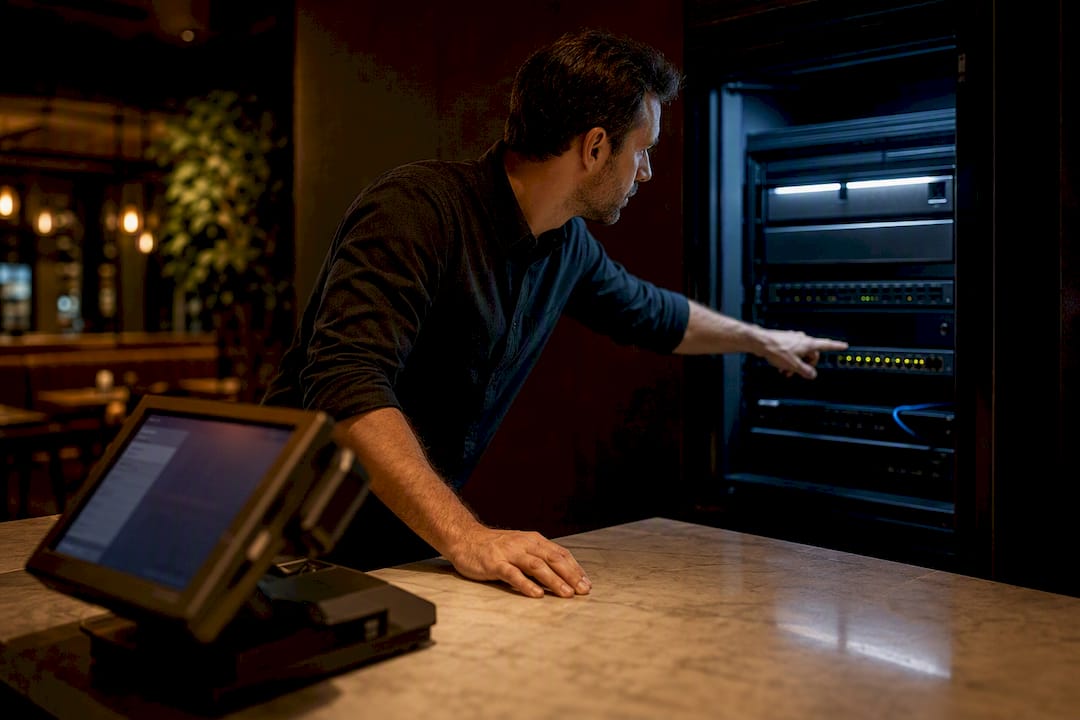
Get POS terminals back online fast with a 6-step in-shift checklist, the IT diagnostics to stop recurring outages, and same day on-site repair options.
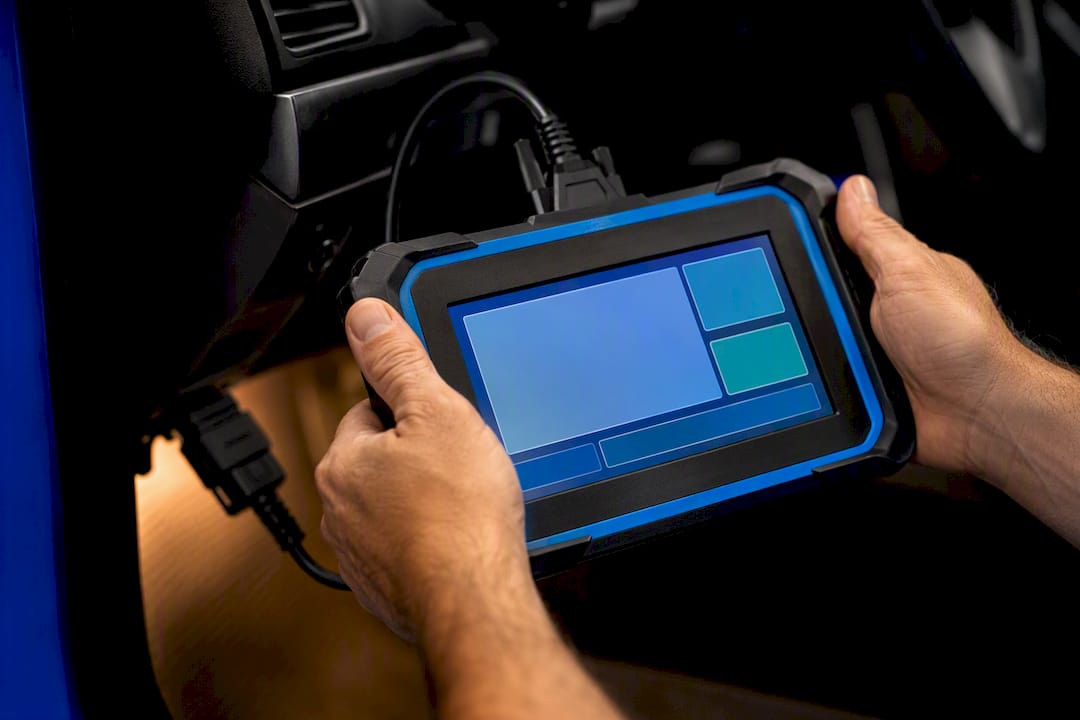
Know what a diagnostic fee should buy: a written report and scan data. See five deliverables to demand, the questions to ask, and typical $40 to $500 costs.

Prioritized checklist to spot Mac malware that needs immediate action, capture process details for a technician, and know when to call a pro.
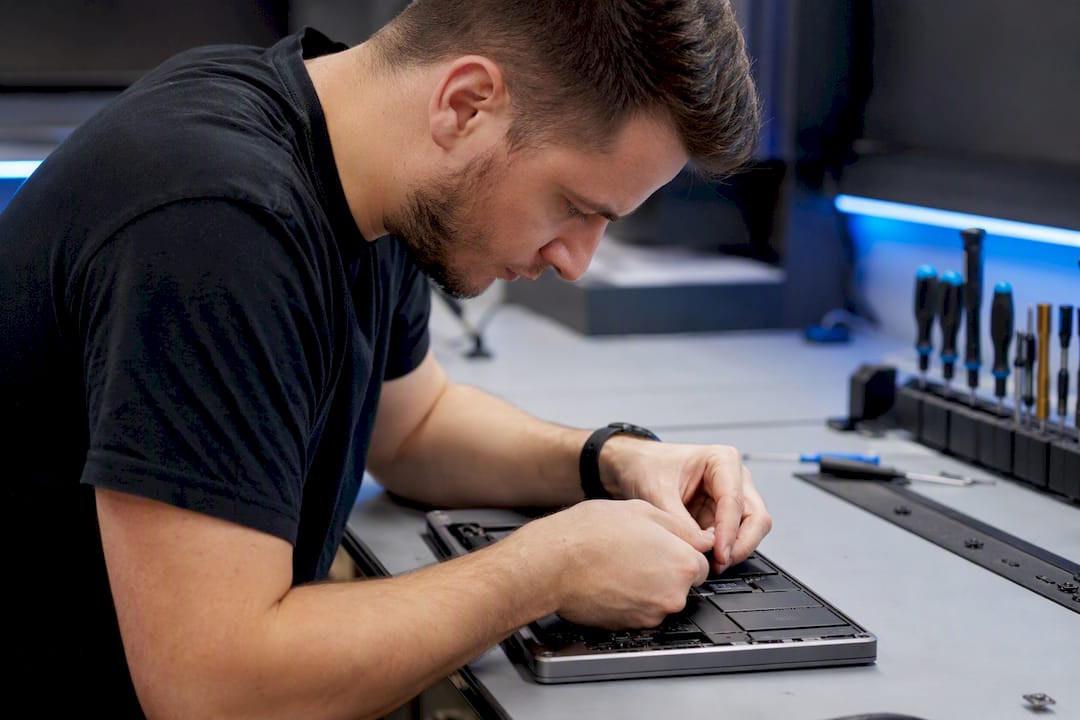
Work through a manufacturer-backed, symptom-driven 6-step checklist to diagnose a laptop that won’t boot. Includes WinRE fixes, quick hardware tests, and…
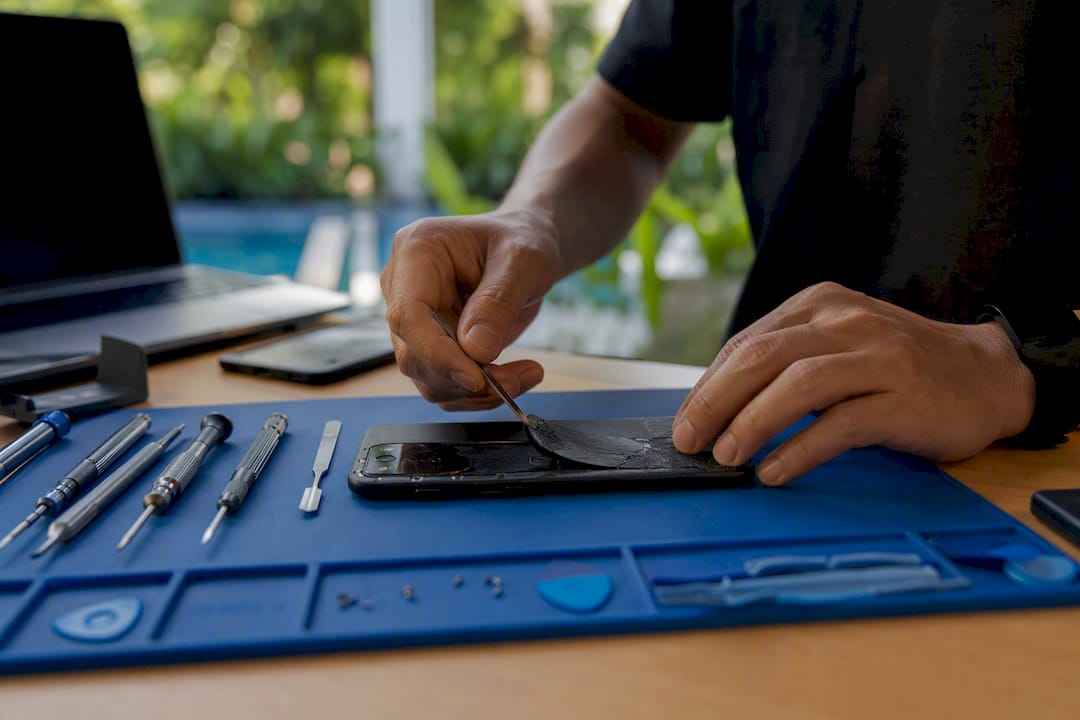
Compare model-by-model iPhone back glass pricing ($29–$549), learn the 40% repair rule, and see same day on-site Repair Genius options for data-safe fixes.
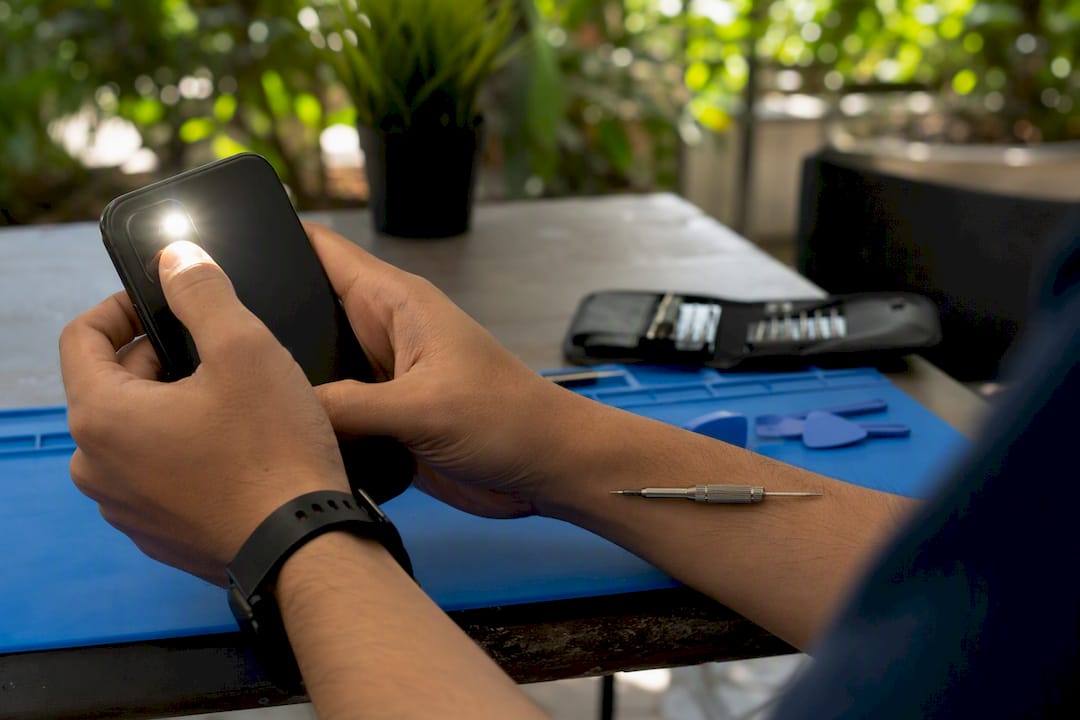
Discover if you can fix your phone camera issues yourself or if it’s better to call a pro. Quick tips and professional help inside!










