When my iPhone screen started looking a little off dim, smudgy, and not responding the way it should my first thought was that I needed a brand new screen. But after years of working at Repair Genius, I have learned that not every screen problem means a replacement.
Many times, it is something as simple as fingerprint buildup, dust under a screen protector, or a dirty coating that is causing the issue. Of course, some problems like dead pixels, cracked glass, or ghost touches do need professional attention. That is exactly why I put together this guide, to help Orlando residents figure out which one they are actually dealing with before spending a single dollar.
We help Orlando residents find out if they need iPhone screen repair Orlando or just a simple cleaning.
Signs Your Screen Just Needs Cleaning
Before assuming the worst, try these simple checks. Many customers come into our shop convinced their screen is broken and walk out five minutes later with a clean phone and a smile.
Screen looks hazy, smudgy, or dull
Fingerprint oils, sunscreen, and everyday grime build up on the screen’s oleophobic coating. A gentle wipe with a microfiber cloth dampened with distilled water usually restores clarity instantly.
Screen looks yellow or discolored
Check your display settings first. Go to Settings Display & Brightness and make sure Night Shift or True Tone is not accidentally turned on. These are often mistaken for display defects.
Screen feels sticky or gritty
Residue from a removed screen protector can affect touch sensitivity. Clean with a microfiber cloth and 70% isopropyl alcohol applied to the cloth, not directly to the screen.
Tip: Never use paper towels, clothing, or household cleaners on your iPhone screen they scratch the glass and damage the coating.
Signs Your iPhone Screen Needs Professional Repair
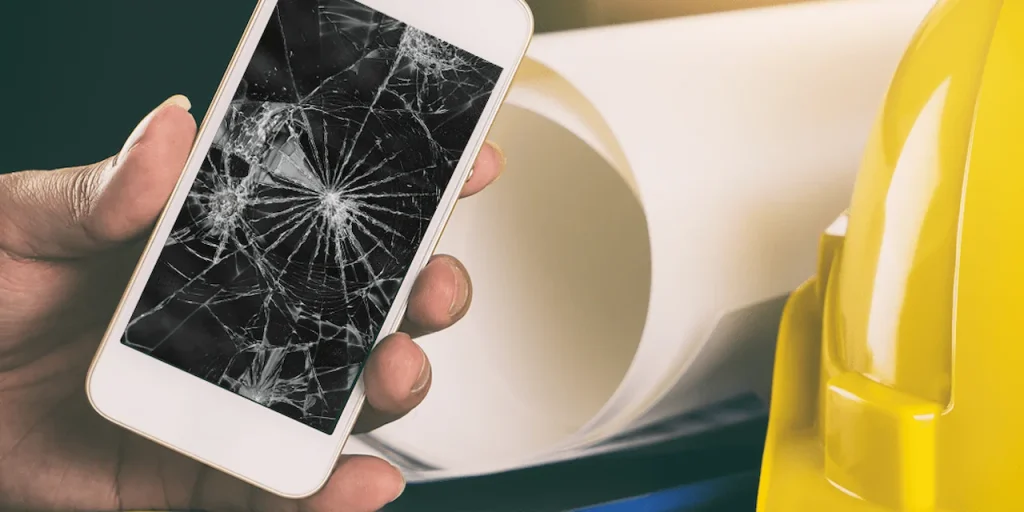
If cleaning did not solve the problem, you are likely dealing with a hardware issue. Here are the clearest signs your screen needs a certified technician.If you are looking for iPhone screen repair Orlando, our team at Repair Genius is ready to help the same day.
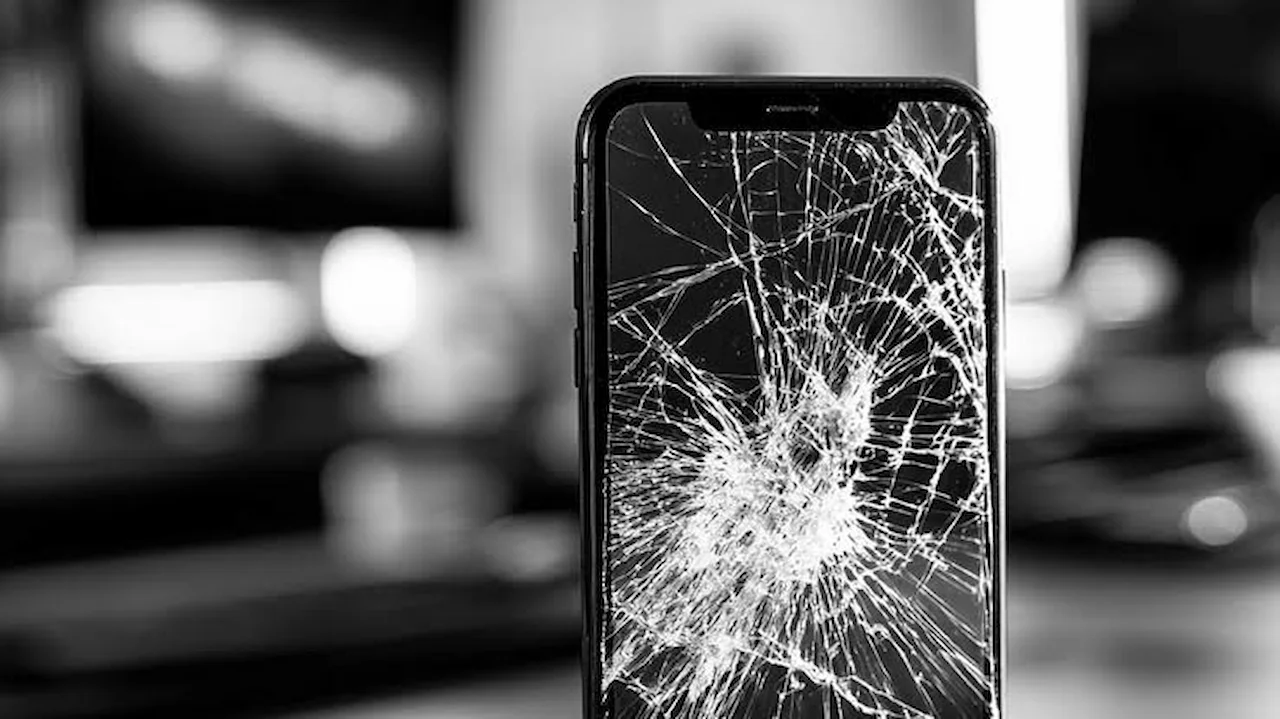
Cracked or shattered glass
Even a small crack can spread quickly in Florida’s heat. Cracks also expose internal display layers to moisture and dust, turning a minor fix into a much more expensive repair.
Dead pixels or dark spots
Small black dots or blotches that stay dark no matter what is on screen mean the LCD or OLED layer is damaged. Cleaning will not fix this.
Lines running across the screen
Vertical or horizontal lines after a drop indicate internal display damage. This will not go away on its own.
Ghost touch or no touch response
If your iPhone registers touches in the wrong spot, responds on its own, or does not respond at all, the digitizer layer is likely damaged or disconnected.
Half the screen is black or flickering
This usually points to a loose display cable or damaged display hardware. It is a repair, not a cleaning issue.
Did You Recently Drop Your Phone?
Physical trauma even a drop from waist height can damage internal components without cracking the glass. You might have perfectly intact glass but a damaged display underneath. This is especially common with iPhone 11, 12, and 13 models, which use OLED displays that are more sensitive to impact than older LCD screens.
If your iPhone was dropped and you are now seeing any symptoms from Section 2, do not wait. Internal display damage gets worse over time. Common post-drop signs to watch for include a small unresponsive area, random flickering, faint pressure marks on the display, or delayed touch response.
Quick Home Test Before You Visit Us
Run through this simple 2-minute check at home before heading to a repair shop:
- Clean the screen — If smudging or haziness disappears after wiping, you are done.
- Restart your iPhone — A restart clears software glitches that mimic hardware problems.
- Check in a dark room — Dead pixels and faint lines that are hard to see in daylight become very visible in the dark.
- Test touch in all corners — Tap each corner of the screen. If any area does not respond, you likely have digitizer damage.
If your phone passes the first two steps but fails the last two — it is time to bring it in.
Repair vs. Replace: What Makes Sense?
One of the most common questions we hear is: “Is it worth fixing, or should I just buy a new phone?”
Simple rule: if the repair cost is less than 50% of your phone’s current value, repair is almost always the smarter decision. Here is a quick reference:
| iPhone Model | Approx. Screen Repair Cost | Worth Repairing? |
| iPhone 11 | $80 – $120 | Yes |
| iPhone 12 / 12 Pro | $100 – $150 | Yes |
| iPhone 13 / 13 Pro | $120 – $180 | Yes |
| iPhone 14 / 14 Pro | $150 – $220 | Yes |
| iPhone 15 / 15 Pro | $180 – $260 | Yes |
Repair Genius provides free diagnostics so you always know the exact cost before committing.
A screen replacement also preserves all your data, settings, and apps — something a new phone cannot guarantee without a smooth migration. For most Orlando residents with an iPhone under 4 years old, repair is the clear winner.
Conclusion
Knowing the difference between a screen that needs cleaning and one that needs replacing can save you time, money, and stress. Simple issues like smudging, haziness, or sticky texture are almost always solved with a microfiber cloth and a quick settings check. But when you see dead pixels, lines, ghost touch, or flickering especially after a drop those are clear signs the hardware needs professional attention. The good news is that iPhone screen repair is fast, affordable, and in most cases the smarter choice over buying a new phone.
If you are unsure what is going on with your screen, bring it to Repair Genius in Orlando for a free diagnostic no appointment needed, and most repairs are done the same day.
When it comes to iPhone screen repair Orlando, Repair Genius is the most trusted name in the area.
Frequently Asked Questions
Can a dirty screen cause touch problems?
Yes. Heavy oil or debris buildup can reduce touch sensitivity. Clean the screen first and retest before assuming hardware damage.
Is a small crack worth repairing?
Yes. Even a small crack allows moisture and dust inside, which can lead to bigger damage over time — especially in Florida’s humidity. Early repair is always cheaper.
How long does a screen replacement take?
Most replacements are done in 30 to 60 minutes. We stock parts for all major iPhone models, so same-day service is available in almost every case.
Is it safe to use a cracked iPhone screen?
Not ideal. Sharp glass edges can cut your fingers, and the longer you wait, the more likely moisture enters and causes deeper damage that costs more to fix.
Do you offer a warranty on screen repairs?
Yes. All screen replacements at Repair Genius come with a warranty on parts and labor. Call us at 689-312-0543 for details.