
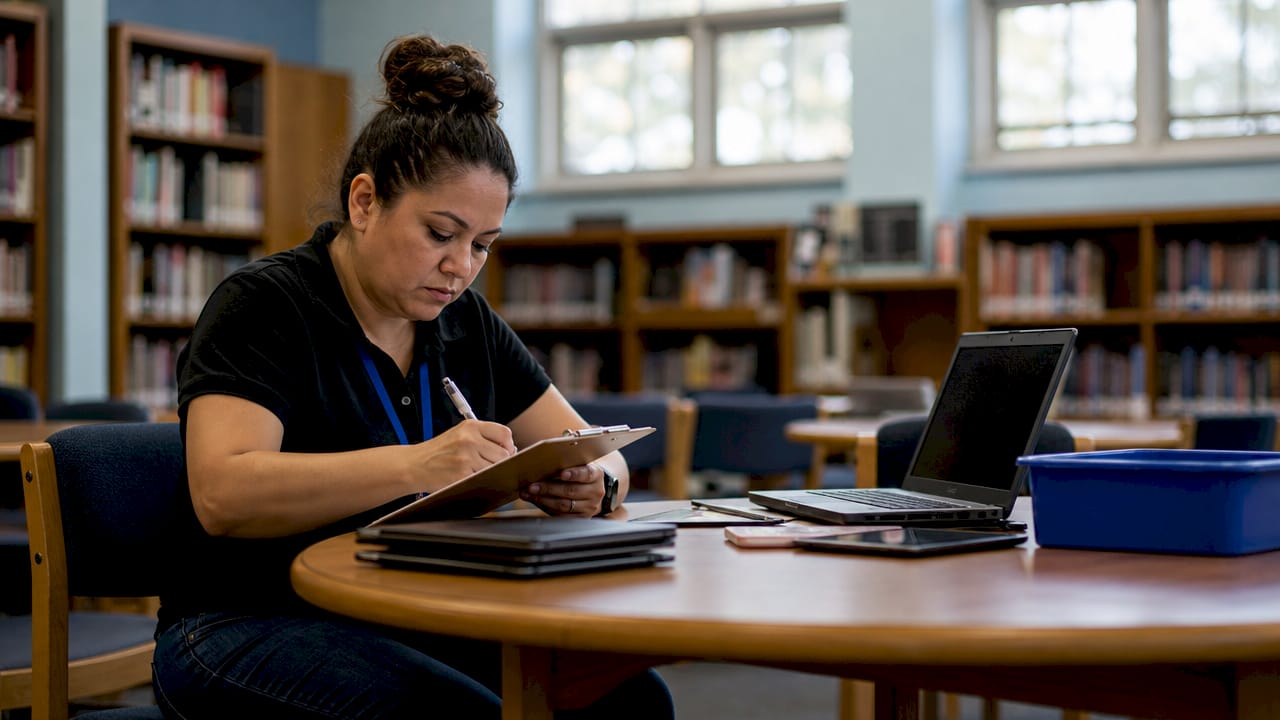
Student data protection during device repair is defined as the set of procedural, technical, and legal controls that prevent unauthorized access to a student’s personal information while their device is serviced. Every school-issued Chromebook, iPad, or laptop that leaves a student’s hands for repair carries real risk: cached login credentials, saved passwords, browser history, and local files are all accessible to anyone who handles the device. Federal law under FERPA requires schools to maintain security controls across the full device lifecycle, including repair and disposal. The FTC has also moved aggressively against EdTech vendors, with enforcement actions finalized in 2026 following breaches affecting over 10 million students. For parents and educators, knowing how to protect student data during device repair is no longer optional. It is a legal obligation and a practical necessity.
What legal requirements govern protecting student data in device repair?
FERPA is the federal baseline. It requires schools to protect education records through every phase of a device’s life, including repair and disposal. FERPA mandates audit-ready sanitization tied to specific device serial numbers, meaning a simple factory reset rarely satisfies compliance. Schools must document which device was cleaned, when, and by whom.
The FTC adds a second layer of obligation for any EdTech vendor involved in the repair or data handling process. The FTC requires vendors to delete student data within 90 days unless retention is strictly necessary. That rule applies to repair partners who access device storage or cloud-linked accounts during servicing.
State laws add a third layer. Many states require breach notification within 45 days to affected individuals, including parents. Ohio’s ORC § 1347 is one well-documented example, but similar statutes exist across the country. That 45-day window is short. A data exposure during repair that goes undocumented can trigger notification requirements that are expensive and damaging to a district’s reputation.
The practical takeaway is this: compliance is not just about avoiding lawsuits. Schools that build proper documentation habits around device repair also build trust with parents. A chain-of-custody record tied to a serial number is a simple document that proves a school took its obligations seriously.
Key compliance requirements at a glance:
- FERPA: serialized documentation for every sanitization or destruction event
- FTC: data deletion within 90 days for EdTech vendors handling student data
- State breach laws: notification to parents within 45 days of a confirmed exposure
- Audit readiness: repair logs must be retrievable and linked to specific devices
- Parental rights: parents can request records of how their child’s device was handled
How to prepare a student device for repair and keep data secure
Preparation before a device leaves your hands is the single most effective control available to parents and educators. The steps below apply to school-issued and personally owned devices used for educational purposes.
1. Use Repair Mode or Maintenance Mode if available.
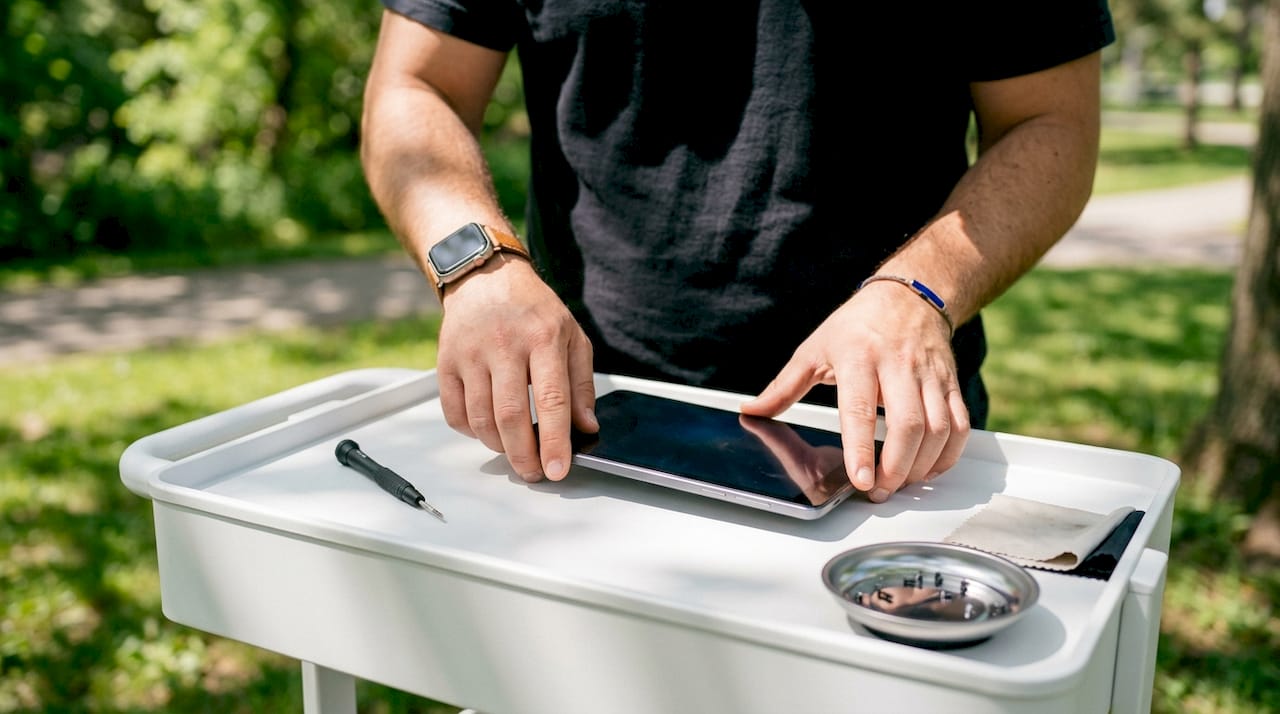
Some Android devices now support Repair Mode, which isolates the technician from personal data entirely. The feature creates a temporary environment where the device functions normally for diagnostic purposes but blocks access to accounts, photos, and files. Not all devices support this feature yet, so check your device’s settings before assuming it is available.
2. Perform a factory reset or full data wipe if Repair Mode is unavailable.
A factory reset removes locally stored data before the device goes to a technician. Back up everything important first, including contacts, photos, and app data, using a secure cloud service or an encrypted external drive. After the backup is confirmed, wipe the device.
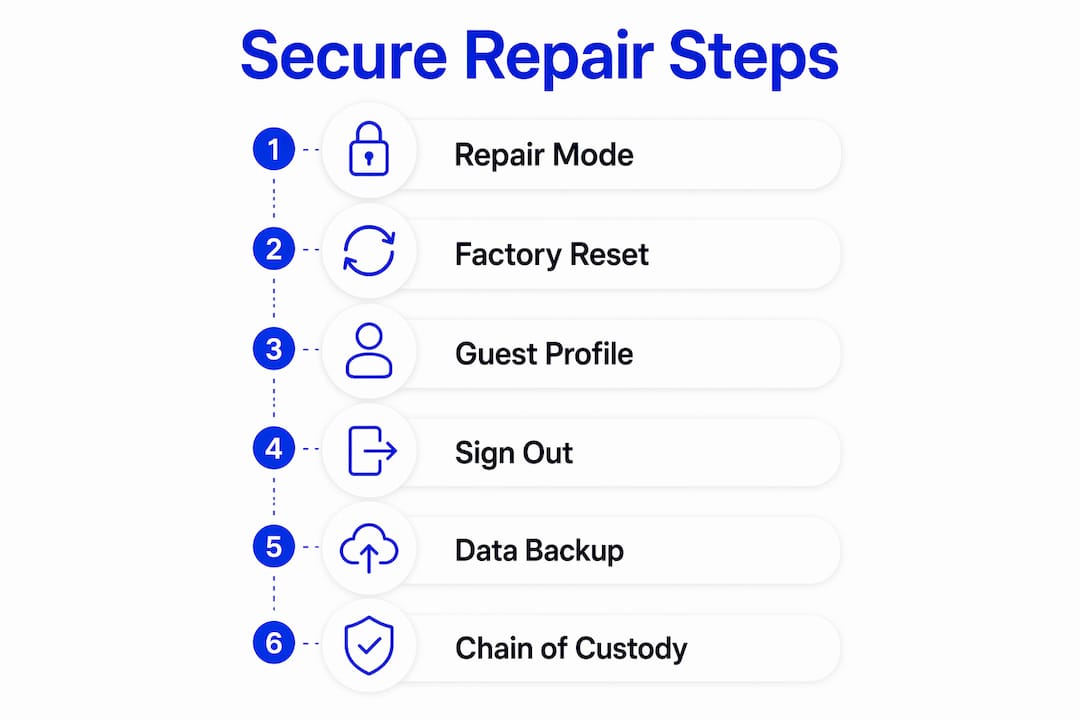
3. Create a guest or restricted profile as a fallback.
If a full reset is not practical because the repair requires the device to be in a functional state, create a guest profile. Guest profiles on Chromebooks and Android devices limit access to personal files and accounts. This is not as secure as a full wipe, but it is far better than handing over a fully logged-in device.
4. Sign out of all cloud accounts.
Remove Google, Apple ID, Microsoft, and any school-specific accounts before handing the device over. Technicians do not need account access to diagnose or fix hardware problems. Leaving accounts active is the most common and most preventable source of data exposure during repair.
5. Back up data securely before any repair.
Use the school district’s approved backup method, or a personal encrypted cloud backup, before the device leaves your possession. The laptop repair checklist from Repair Genius outlines the key steps for securing data before any service appointment.
6. Create a chain-of-custody record.
Write down the device’s serial number, the date it was handed over, the name of the repair provider, and the specific issue being repaired. Keep a copy. This document is your proof of responsible handling if questions arise later.
Pro Tip: Never share your password with a repair technician. If a technician claims they need your password to complete a repair, that is a red flag. Reset all credentials immediately after the device is returned.
How to choose a trustworthy repair provider for student device privacy
The repair provider you choose carries as much responsibility as the preparation steps you take. An unvetted local shop with no data handling policy can undo every precaution you made before drop-off.
Specialized K-12 repair partners offer measurably better accountability than general consumer repair shops. They typically carry insurance-backed Accidental Damage Protection, maintain dedicated points of contact for school accounts, and document repairs at the serial-number level. That documentation matters for FERPA compliance and for resolving disputes about device condition.
Manufacturer-authorized repair centers are another strong option. They follow documented service procedures and are contractually bound to specific data handling standards. An unauthorized shop has no such obligation and no external audit mechanism.
Questions to ask any repair provider before handing over a student device:
- Do you have a written data handling policy for devices you service?
- Are your technicians trained on FERPA or student data privacy requirements?
- Do you provide a chain-of-custody receipt tied to the device serial number?
- Will you confirm in writing that no data was accessed or copied during repair?
- Do you carry liability insurance that covers data breaches?
On-site repair is worth considering specifically for student devices. When a technician comes to your location, the device never leaves your sight, which eliminates the transit and storage risks entirely. Repair Genius provides exactly this model, bringing certified technicians directly to parents and educators in Orlando and Winter Park, Florida.
Pro Tip: Ask for a written confirmation of data handling practices before any repair begins. A reputable provider will have no hesitation providing this in writing.
Best practices for managing student devices during and after repair
Post-repair management is where many schools and parents fall short. Getting the device back in working order feels like the finish line, but the data safety work is not done until the device is verified, documented, and safely redeployed.
Verify sanitization before redeployment
Certified sanitization and documented destruction are required for FERPA compliance before a device is reused or retired. A factory reset alone does not satisfy this standard because local cached data and system remnants can survive a standard reset. Ask the repair provider for written confirmation that the device storage was handled according to FERPA standards.
Conduct a hardware and data review on return
When a device comes back from repair, check it before handing it to a student. Confirm the repair was completed correctly. Check that no accounts are logged in. Review browser history and saved passwords to confirm the device is clean. Summer device returns are a particularly high-risk period, as cached history and saved credentials from one student can expose data to the next.
Manage student-to-student reassignment carefully
Reassigning a device from one student to another without a full wipe is one of the most common data privacy failures in schools. The previous student’s files, browser history, and saved passwords remain accessible. A full wipe and re-enrollment in the district’s device management system is the only safe approach.
Handle retired devices with certified destruction
Devices that are too damaged to repair or too old to redeploy must be disposed of correctly. Certified data destruction tied to the device serial number is the FERPA-compliant standard. Donating or discarding a device without certified destruction is a compliance violation, regardless of whether the data appears to have been deleted.
Pro Tip: Keep a repair and sanitization log for every school device. A simple spreadsheet with serial numbers, repair dates, technician names, and sanitization confirmations gives you audit-ready documentation at no cost.
Key Takeaways
Protecting student data during device repair requires preparation before repair, a vetted provider, and verified sanitization after the device is returned.
| Point | Details |
|---|---|
| Prepare before repair | Sign out of all accounts, use Repair Mode if available, and back up data before handing over any device. |
| Know the legal requirements | FERPA, FTC mandates, and state breach laws all impose specific obligations on schools and repair partners. |
| Choose a vetted provider | Select repair services with written data handling policies, serial-number documentation, and liability coverage. |
| Verify post-repair sanitization | Confirm in writing that device storage was handled to FERPA standards before redeployment or reassignment. |
| Document everything | A chain-of-custody log tied to device serial numbers is your best protection against compliance failures. |
What I’ve learned about repair and student data after a decade in the field
Most parents and educators I talk to assume the school’s IT department has this covered. Sometimes that is true. Often it is not. The gap is almost never intentional. It comes from outdated policies written before cloud accounts and school-issued devices became standard. FERPA was written for file cabinets, not cloud servers, and many district repair workflows have not caught up.
The parents who ask the right questions before a repair are the ones who never have a problem. The right questions are simple: Who handles the device? What is their data policy? Can I get that in writing? Those three questions filter out most of the risk before the device ever leaves your hands.
My honest view is that on-site repair is underused in the education space. When the technician comes to you, the device stays in your environment. There is no transit risk, no storage in an unsecured back room, and no question about who had access. For student devices specifically, that level of control is worth prioritizing.
Device stewardship is a mindset, not a checklist. The schools that handle this well treat every repair as part of a larger responsibility to the students and families who trust them. That means updated policies, trained staff, and repair partners who are held to the same standards as any other vendor with access to student data.
— Michael
Repair Genius: secure, on-site repair for student devices
Parents and educators in Orlando and Winter Park have a reliable option for device repair that keeps data safety at the center of every service call.
Repair Genius brings certified technicians directly to your location, so student devices never leave your control during the repair process. With over 10 years of experience servicing iPhones, Android phones, laptops, and tablets, Repair Genius delivers same-day repairs with transparent pricing and no hidden fees. Every repair is handled with accountability and clear communication from start to finish. For school-issued devices and personal educational technology, that means you get a working device back without the data exposure risk that comes with dropping it off at an unfamiliar shop. Visit Repair Genius to schedule a secure, on-site repair appointment today.
FAQ
What does FERPA require for student device repairs?
FERPA requires schools to maintain security controls across the full device lifecycle, including repair. Sanitization must be documented and tied to specific device serial numbers to be audit-ready.
Should I factory reset a student device before sending it for repair?
A factory reset is the recommended fallback when Repair Mode is unavailable. Back up all important data first, then wipe the device before handing it to any technician.
Do repair technicians need my password to fix a device?
Repair technicians do not need account passwords to diagnose or fix hardware problems. Never share passwords during a repair, and reset all credentials immediately after the device is returned.
How do I know if a repair provider handles student data safely?
Ask for a written data handling policy, confirmation of serial-number-level documentation, and proof of liability insurance before any repair begins. A trustworthy provider will supply all three without hesitation.
What are the risks of reassigning a student device without wiping it first?
Reassigning a device without a full wipe leaves the previous student’s files, browser history, and saved passwords accessible to the next user. A complete wipe and re-enrollment in the district’s device management system is the only safe approach.
Recommended
- Why Employee Devices Need Quick Repair: 2026 Guide
- Minimize Device Repair Disruption: A Pro’s Guide
- On-Site Computer Repair vs Repair Shop
- What Is Emergency Device Repair? Your Fast Fix Guide






One thought on “How to Protect Student Data During Device Repair”
Comments are closed.