
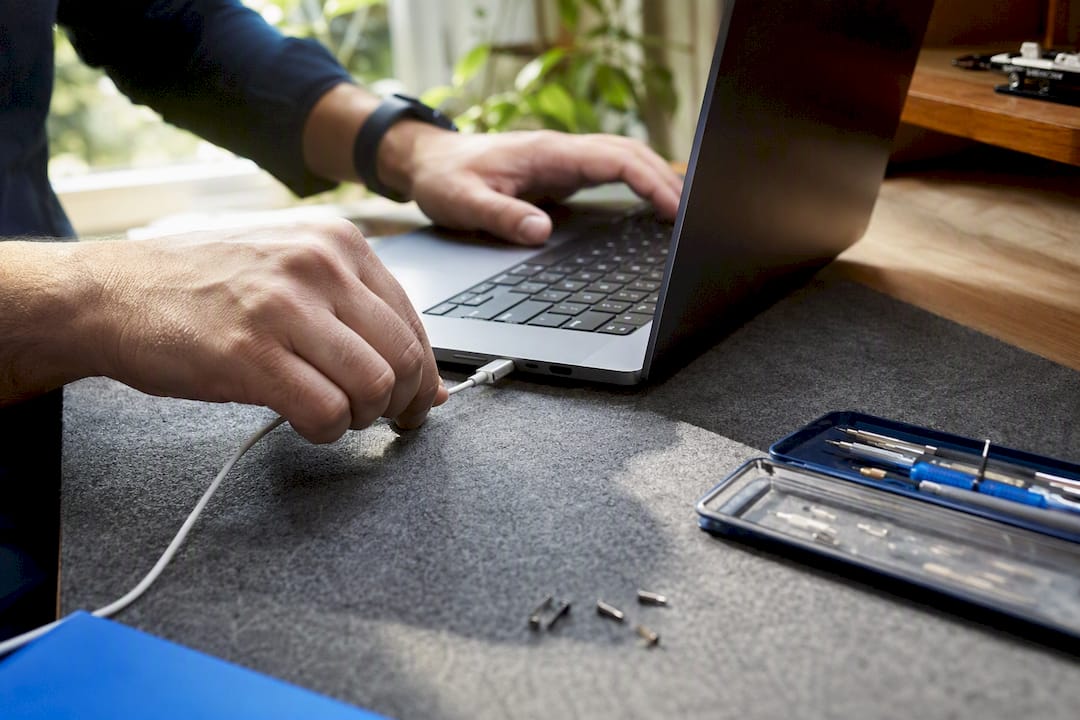
If your MacBook is still under AppleCare or needs a factory-spec logic board swap, go Apple-authorized. If you’re out of warranty, need it fixed today, or just don’t want to sit in a Genius Bar line, an on-site specialist like Repair Genius is the faster, often cheaper route. Either way, the first move is the same: back up your data before you call anyone.
Before booking anything:
- Back up your Mac with Time Machine or iCloud.
- Write down your model and serial number (Apple menu > About This Mac).
- Decide your barometer: covered by AppleCare or need OEM parts for resale value? Go authorized. Need same-day convenience or you’re already past warranty? Book on-site.
Key Takeaways
The fastest path to a fixed MacBook is matching your warranty status to the right repair route, then booking a diagnostic the same day you notice the problem.
| Point | Details |
|---|---|
| Match route to warranty | Use Apple-authorized service if covered by AppleCare; choose on-site for speed once you’re out of warranty. |
| Back up before booking | Run Time Machine or an iCloud backup and note your model and serial number first. |
| Ask about calibration | Confirm Repair Assistant calibration runs after any screen or hardware swap on Apple silicon models. |
| Watch pricing red flags | Avoid shops that skip diagnostics, refuse written warranties, or won’t name their parts source. |
| Choose Repair Genius for convenience | Repair Genius offers same-day, on-site MacBook repair in Orlando and Winter Park with transparent pricing and warranty on parts and labor. |
Table of Contents
- What MacBook Repairs Shops Commonly Handle
- How Much Does MacBook Repair Cost?
- How Do You Choose a Trustworthy MacBook Repair Shop?
- What Happens During a MacBook Repair Appointment?
- Why Repair Genius Is a Strong On-Site Option
- What Actually Matters When Choosing a Repair Route
- Get Your MacBook Fixed Today Without Leaving Home
- Official Resources for MacBook Repair and Coverage
- Sources
What MacBook Repairs Shops Commonly Handle
Most repair requests fall into a handful of buckets: cracked screens, dead batteries, sticky keyboards, unresponsive trackpads, charging ports that won’t grab a cable, logic board failures, liquid damage, and data recovery off a drive that won’t boot.
Screen, battery, and keyboard swaps are usually straightforward part replacements a trained technician can finish in one visit. Logic board issues are different. They often need component-level diagnosis, meaning a technician has to trace the actual failure point on the board rather than just swapping a part, since Apple frequently prices a logic board repair as a full board replacement. A skilled independent technician can sometimes repair a damaged board at the chip level instead, which can save the machine at a fraction of that cost.
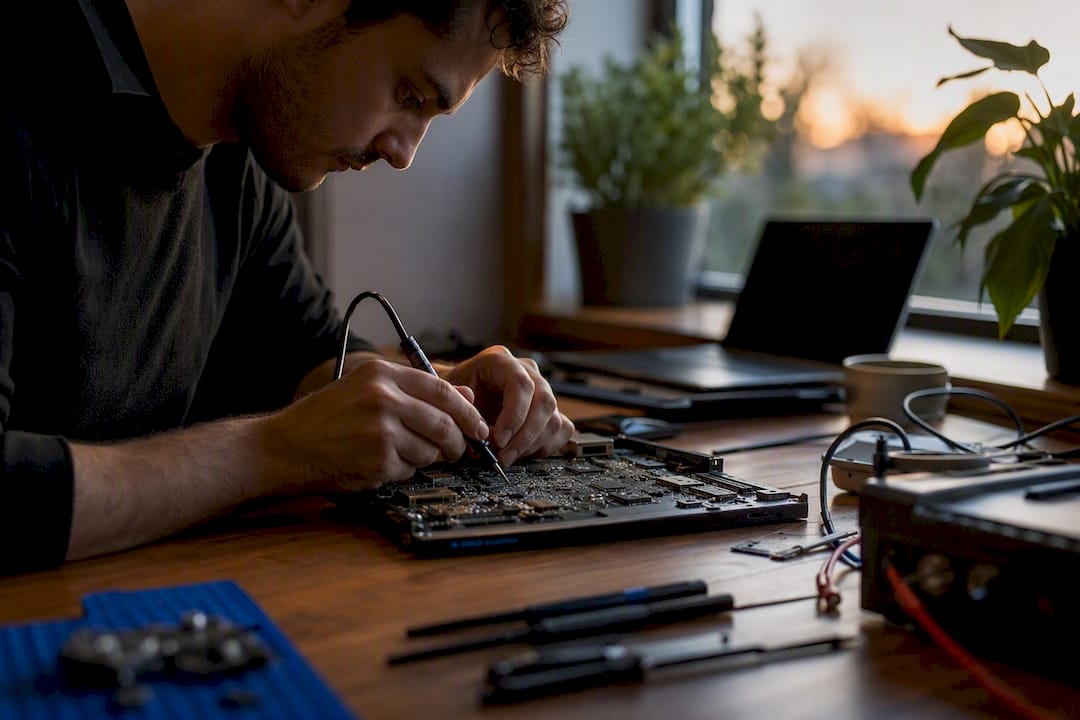
One thing a lot of MacBook owners don’t know: on Apple silicon models, certain screen and hardware swaps require running Apple’s Repair Assistant afterward to calibrate the new part, or you lose True Tone and auto-brightness.
Delivery options vary by provider. Some shops are in-store drop-off only, some do mail-in for specialty repairs, and some, like Repair Genius, come to you.
Pro Tip: Ask upfront whether your specific repair needs Repair Assistant calibration. If the shop doesn’t mention it unprompted, that’s a sign they may not be familiar with recent Apple silicon requirements.
How Much Does MacBook Repair Cost?
Price depends on four things: the part itself, labor time, how complex your specific model is to open up, and whether the part is in stock or has to be ordered.
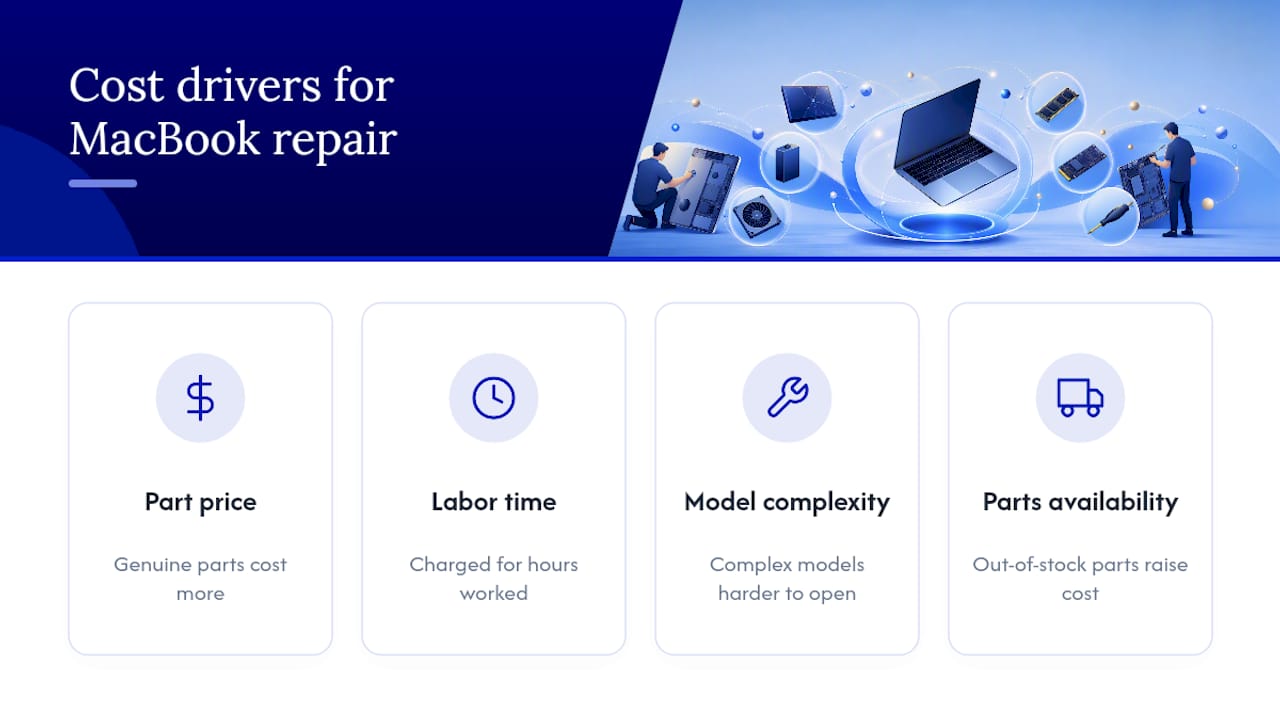
Genuine Apple parts cost more than aftermarket ones, but aftermarket parts can affect resale value and, on some models, trigger features like True Tone recalibration issues if they’re not properly matched. Data recovery pricing swings the widest, since it depends entirely on whether the drive is mechanically failing or just logically corrupted.
Rough U.S. ranges you’ll commonly see quoted, though these vary heavily by model year and shop:
MacBook repairs commonly cover screen replacement, battery replacement, keyboard or trackpad repair, and logic board repair or replacement. Costs vary widely depending on model and repair complexity.
If your Mac is under AppleCare, diagnostic and repair costs may be waived entirely or reduced to a flat service fee, according to Apple’s Mac laptop repair documentation. Out of warranty, expect a standalone diagnostic charge that many shops credit back if you proceed with the repair.
Watch for red flags: a shop that won’t give you a written quote before opening the machine, one that skips a diagnostic entirely, one offering no warranty on labor or parts, or a quote so low it doesn’t mention what parts they’re actually using. If you want a broader framework for evaluating whether a quote is fair, this guide on managing computer repair costs is a useful reference before you commit to any shop.
How Do You Choose a Trustworthy MacBook Repair Shop?
Run through this before you hand over your Mac to anyone:
- Ask if technicians are certified or trained specifically on Apple hardware, not general electronics.
- Confirm they offer a written warranty on both parts and labor, not just parts.
- Ask directly whether they use genuine Apple parts or aftermarket, and get that in writing.
- Request a free or clearly-priced diagnostic before any work begins.
- Check if they post their pricing or policies publicly rather than quoting verbally only.
Five questions worth asking on the phone before you book:
- Do you use genuine Apple parts, or will I be told which type before repair starts?
- How long is your warranty on parts and labor?
- Is the diagnostic free, and does that fee apply toward repair if I proceed?
- What’s the turnaround if the part isn’t in stock?
- Can you calibrate the display afterward if my model requires Repair Assistant?
Red flags that should send you elsewhere: refusal to put a warranty in writing, vague answers about part sourcing, or a technician who can’t explain what’s actually wrong before quoting a price. If your Mac is under active AppleCare, or the repair affects resale documentation, Apple’s Get Support portal is the right starting point to check coverage. If you need convenience, same-day turnaround, and don’t want to unplug your whole workday to sit in a waiting room, that’s exactly the gap Repair Genius fills.
What Happens During a MacBook Repair Appointment?
The process is fairly consistent whether you go to a shop or book on-site service:
- Schedule an appointment or request on-site service at your location.
- The technician runs a diagnostic to confirm the actual fault.
- You get a written estimate before anything is opened.
- You approve the work.
- The repair happens, either on the spot or after parts arrive.
- The technician runs a quality check, then returns or ships the device.
Before that first step, prepare your Mac properly. Back it up completely, sign out of iCloud if the shop requests it, remove any device passwords or leave temporary access notes, and snap a photo of the exterior and serial number for your own records.
Same-day service is realistic when the part is already in stock, which is common for screens and batteries on popular models. Logic board repairs or unusual configurations sometimes need mail-in time for parts availability.
Pro Tip: After any screen or major hardware swap on an Apple silicon MacBook, ask your technician to confirm Repair Assistant calibration ran successfully. If your screen looks slightly off-color or auto-brightness stops working, that’s the tell that calibration was skipped+Screen+Replacement/167640).
Why Repair Genius Is a Strong On-Site Option
Repair Genius operates on-site in Orlando and Winter Park, sending a technician to your home or office instead of making you drive somewhere and wait. That matters most when you’re mid-workday, can’t leave your location unattended, or just don’t have a spare afternoon to lose.
- Same-day service in most cases, since the technician brings parts and tools to you.
- Transparent pricing with no hidden fees, quoted before work starts.
- Warranty coverage on both parts and labor.
- Technicians trained specifically on Apple hardware and other major device brands.
- Data safety practices built into the repair process, so your files and accounts stay protected.
A cracked screen or dead battery doesn’t need to cost you a whole afternoon. On-site repair means the technician adapts to your schedule, not the other way around.
Repair Genius fits best when you’re out of AppleCare and need a fast fix, when you genuinely can’t travel to a shop, or when a quick, transparent quote matters more than chasing a factory warranty claim.
What Actually Matters When Choosing a Repair Route
Most guides treat “find a repair shop” as a location problem. It isn’t. It’s a warranty-status problem dressed up as a location problem. The single question that should decide your route is whether you’d lose anything, financially or functionally, by going outside Apple’s authorized network. If the answer is no, convenience should win every time.
Where conventional advice falls short is treating all out-of-warranty repairs as commodity work you shop around on price alone. A screen swap on an Apple silicon MacBook isn’t the same job it was five years ago. Skip the Repair Assistant calibration step and you’ve got a Mac with a working screen and a broken True Tone sensor, which most owners won’t notice until weeks later. That’s not a pricing issue. It’s a competence issue, and it’s exactly why asking about calibration upfront matters more than comparing two quotes that are $40 apart.
Prioritize the technician’s familiarity with your specific chip generation before you prioritize price. Everything else follows from there.
— Michael
Get Your MacBook Fixed Today Without Leaving Home
Driving to a repair shop, waiting for a callback, then driving back to pick up your Mac costs you hours you probably don’t have. Repair Genius sends a certified technician to your home or office in Orlando and Winter Park, so the only thing you lose is the time it takes to make coffee while the repair happens.

Every quote is transparent before the technician touches your device, with no hidden add-on fees once work is underway. Screens, batteries, keyboards, charging ports, and logic board diagnostics are all handled on-site, backed by a written warranty on parts and labor, and your data stays secured throughout the process. For a closer look at how the on-site model compares to a traditional drop-off shop, see on-site repair versus a repair shop. If you’re ready to get a fix scheduled, visit the MacBook and iMac repair page to check availability and book a technician for today.
Official Resources for MacBook Repair and Coverage
- Apple’s Get Support portal lets you verify warranty status before booking anywhere.
- Repair Genius’s on-site service page covers booking for Orlando and Winter Park.
Sources
Recommended
- Top 3 Providers for Laptop Repair Near Me 2026
- Top 5 MacBook Battery Replacement Providers 2026
- MacBook & iMac Repair in Orlando | On-Site Apple Repair
- Top 5 Providers for MacBook Screen Replacement 2026










