
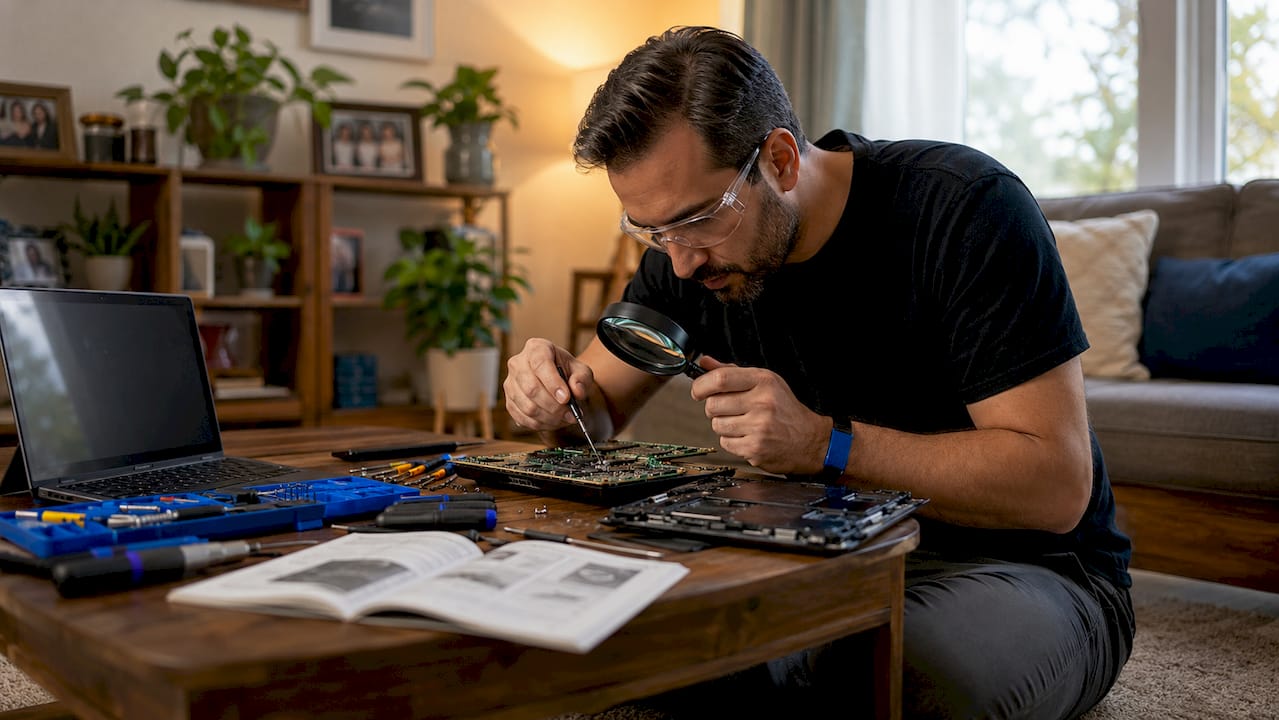
Laptop motherboard failure is defined as a malfunction of the main circuit board inside a laptop, disrupting communication between the CPU, RAM, storage, ports, and power systems. The motherboard is the single component every other part depends on. When it fails, the effects ripple across the entire machine. Recognizing what is laptop motherboard failure early can mean the difference between a targeted repair and a full replacement. The industry term for this condition is “main board failure,” though “motherboard failure” is the standard phrase used by technicians and manufacturers alike.
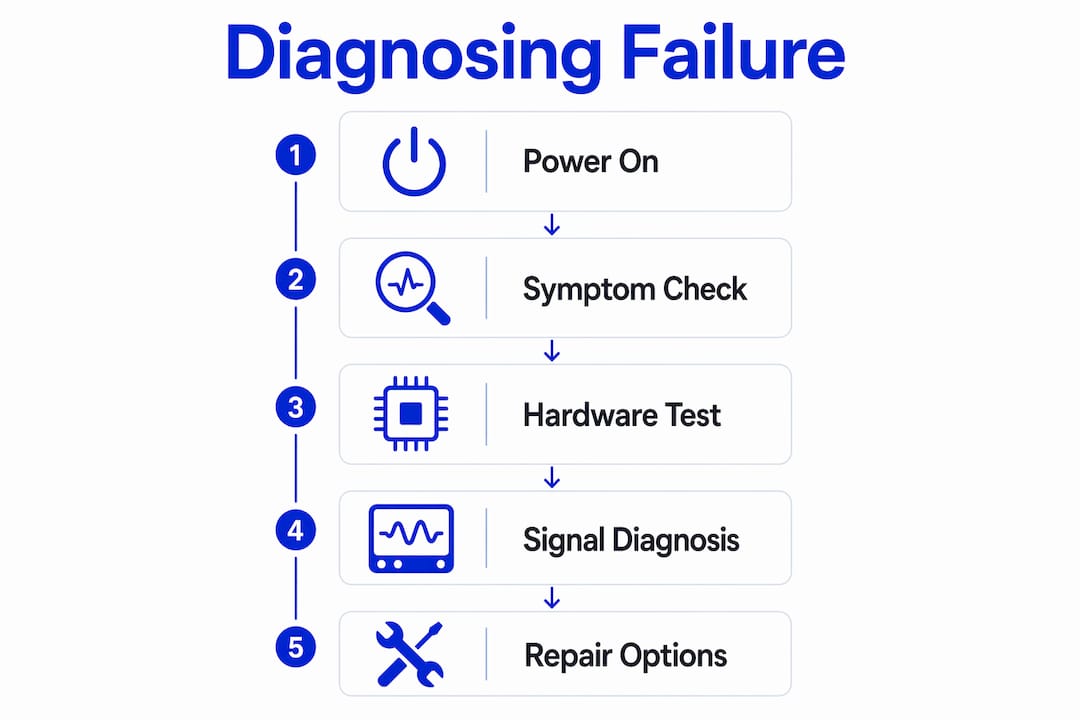
What is laptop motherboard failure and how does it show up?
Laptop motherboard failure occurs when the main circuit board stops functioning correctly, either partially or completely. The motherboard manages power delivery, data transfer, and communication between every major component. A failure in any of its sub-circuits can cause symptoms that look unrelated at first glance. That complexity is exactly what makes diagnosis so difficult without professional tools.
The most reliable indicator is the no-POST symptom, where the laptop powers on but the screen stays black with no boot logo. When that symptom appears alongside non-functional USB ports or no GPU output, the evidence points strongly toward the motherboard. A single symptom in isolation rarely confirms board failure. Symptom clusters are the real signal.
Other signs of motherboard failure include:
- Blank screen on startup with no error message or boot activity
- Multiple hardware failures at once, such as Wi-Fi, USB, and display output all failing together
- Random shutdowns or reboots that persist after a clean OS reinstall and cooling system check
- Burning smell or visible scorch marks on the board itself
- Charging failures where the laptop does not recognize a known-good charger
- Unusual clicking or electrical noise during startup
Pro Tip: If your laptop shuts down randomly, check the cooling system before assuming board failure. 80–90% of random shutdowns trace back to overheating from clogged fans, not a failed motherboard.
What causes laptop motherboard failure?
Liquid damage is the most common cause of laptop motherboard failure. Water, coffee, or any liquid that reaches the board causes immediate short circuits and long-term corrosion as oxidation spreads across traces and connectors. The damage is not always instant. A laptop may work for days after a spill before the corrosion reaches a critical circuit.
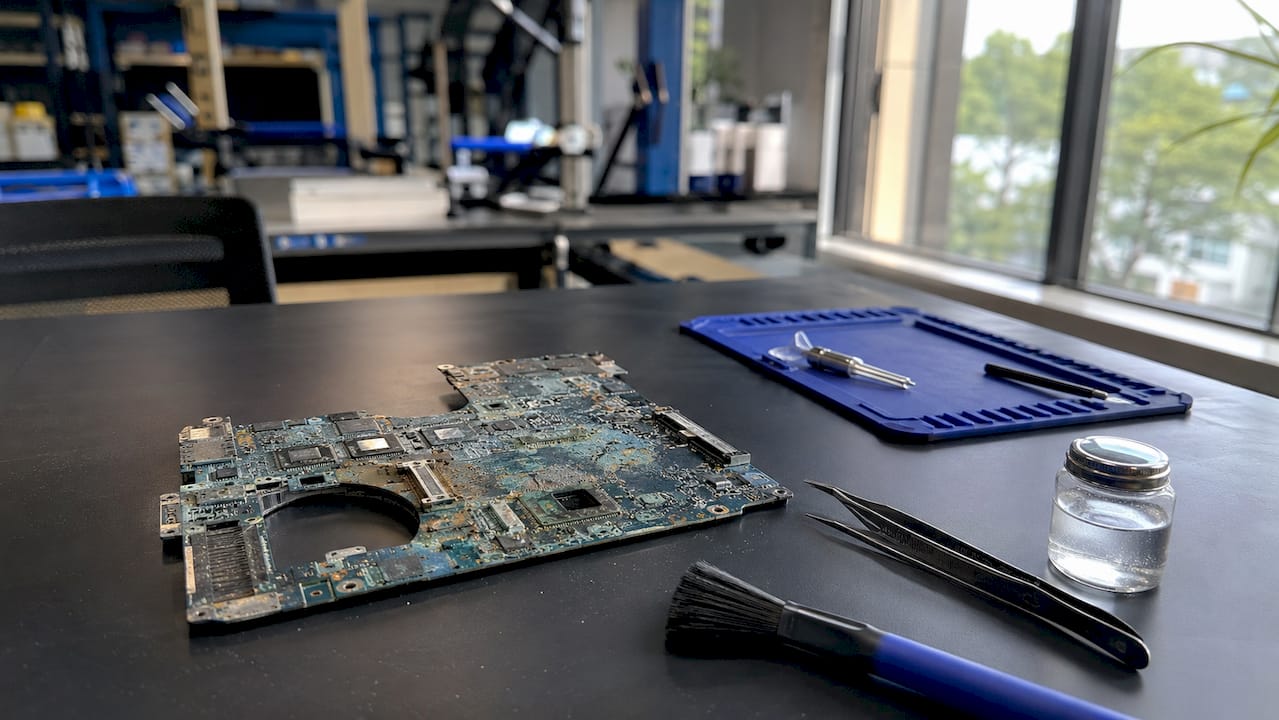
Overheating is the second major cause. Dust buildup, dried thermal paste, and failed cooling fans raise internal temperatures until solder joints crack and chips degrade. This type of damage builds slowly and often shows up first as random crashes or throttled performance. Cleaning the cooling system and replacing thermal paste every 1–2 years prevents most heat-related board damage.
Electrical causes are less visible but equally destructive:
- Power surges from wall outlets burn MOSFETs, charging ICs, and capacitors on the board
- Poor-quality chargers deliver unstable voltage that damages the motherboard’s power regulation circuits
- Faulty batteries that overcharge or short-circuit stress the board’s power management system
Physical damage rounds out the main causes. Drops, pressure on the chassis, or a heavy object placed on a closed laptop can crack circuit traces or break connectors. These fractures are often invisible to the naked eye but cause intermittent failures that worsen over time.
How to diagnose motherboard failure in a laptop
Accurate diagnosis requires ruling out every other component before concluding the motherboard is at fault. Most perceived motherboard failures are actually caused by non-board issues like clogged fans, faulty RAM, or a dead charger. Skipping this step leads to expensive, unnecessary replacements.
Follow this sequence before drawing any conclusions:
- Test the charger with a multimeter to confirm it delivers the correct voltage. A dead charger mimics a dead motherboard.
- Remove and reseat the RAM. A single bad RAM stick can prevent the laptop from posting entirely.
- Connect an external monitor to rule out a failed display or GPU output issue.
- Check the cooling system. Clean the fan and heatsink, and verify the fan spins on startup.
- Listen and smell. Burning odors or scorch marks mean immediate power-off is required to prevent further damage to the CPU, RAM, and GPU.
- Observe the symptom pattern. A single failure points to a peripheral issue. Multiple simultaneous failures point to the board.
Pro Tip: Connect your laptop to an external monitor before concluding the screen is dead. A working external display means the motherboard’s GPU output is intact, which significantly narrows the fault.
Signal-level diagnostics require bench multimeters and oscilloscopes to trace the boot signal chain precisely. This is where professional diagnosis separates a targeted repair from a guessed replacement. Motherboard failure is rarely binary. Partial sub-circuit failures cause intermittent instability that only shows up under specific conditions, making them nearly impossible to catch without proper equipment.
| Symptom | Likely cause | First check |
|---|---|---|
| Black screen, no boot | Motherboard or RAM | Reseat RAM, test external monitor |
| Random shutdowns | Overheating (most common) | Clean fan, check thermal paste |
| No charging response | Charger or charging IC | Test charger with multimeter |
| Multiple port failures | Motherboard sub-circuit | Professional signal-level test |
| Burning smell | Electrical damage | Power off immediately |
Repair and replacement options for a failed motherboard
Two repair paths exist for a failed laptop motherboard: component-level repair and full board replacement. Component-level repair targets the specific failed part, such as a power IC, SMD capacitor, or BIOS chip. Full replacement swaps the entire board for a new or refurbished unit.
Component-level repairs cost significantly less than full replacements. Targeted fixes for power ICs, capacitors, or BIOS chips run at a fraction of the cost of a full board swap. Full motherboard replacements cost several times more and may not be available for older models. For many laptops, a component repair is the smarter financial choice.
Common component-level repairs include:
- Power IC replacement for laptops that do not charge or power on
- SMD capacitor replacement for boards with unstable voltage delivery
- BIOS chip restoration for laptops stuck in boot loops or showing corrupted firmware
- Charging port circuit repair for boards damaged by poor-quality chargers
Repair makes sense when the laptop is less than five years old and the rest of the hardware is in good condition. Replacement or a new laptop purchase makes more sense when the board damage is extensive, the model is discontinued, or the repair cost exceeds the laptop’s current value. Check the repair vs. replace decision before committing to either path.
Continuing to use a physically damaged motherboard risks destroying connected components. The CPU, RAM, and GPU can all sustain secondary damage if the board is repeatedly powered on after a failure.
Pro Tip: Keep your laptop elevated on a hard, flat surface to maintain airflow under the chassis. Blocking the vents by using a laptop on a bed or pillow is one of the fastest ways to cause heat-related board damage.
Key takeaways
Laptop motherboard failure is most reliably identified by a cluster of simultaneous hardware failures, not by any single symptom, and most cases require professional signal-level diagnosis before repair or replacement is chosen.
| Point | Details |
|---|---|
| Symptom clusters matter | No-POST combined with multiple hardware failures is the strongest indicator of board failure. |
| Most shutdowns are not board failure | 80–90% of random shutdowns come from overheating, not a failed motherboard. |
| Diagnose before replacing | Test the charger, RAM, and cooling system before concluding the motherboard has failed. |
| Component repair saves money | Targeted fixes for power ICs or capacitors cost far less than a full board replacement. |
| Physical damage escalates fast | Powering on a damaged board risks destroying the CPU, RAM, and GPU as secondary damage. |
What I’ve learned after years of laptop motherboard repairs
The most expensive mistake I see is the one made before the laptop ever reaches a technician. Someone notices their laptop won’t turn on, reads that it sounds like a motherboard problem, and either buys a replacement board online or writes the machine off entirely. In most cases, neither was necessary.
The truth is that a dead charger, a single bad RAM stick, or a fan clogged with two years of dust can produce symptoms that look exactly like board failure. I’ve seen laptops written off as “dead motherboards” that needed nothing more than a RAM reseat and a fan cleaning. That’s a $30 fix versus a $300 replacement.
What I tell every customer is this: the motherboard is the last thing you confirm, not the first thing you replace. Professional signal-level testing traces the exact point where the boot chain breaks. Without that, you’re replacing parts based on guesswork. And guesswork in laptop repair is expensive.
Liquid damage is the one exception where I move faster. If a laptop came into contact with liquid and smells like it, I power it off immediately and recommend professional cleaning before any power-on attempt. Every time someone powers on a wet board “just to check,” they risk turning a recoverable corrosion problem into a destroyed CPU.
My maintenance advice is simple: clean the fan every 12 months, use the original charger or a certified replacement, and never use the laptop on soft surfaces that block airflow. Those three habits prevent the majority of motherboard failures I see.
— Michael
Laptop motherboard repair from Repair Genius
Repair Genius brings over 10 years of hands-on experience to laptop motherboard diagnostics and component-level repairs in Orlando and Winter Park, Florida. The technicians use professional-grade tools to trace faults precisely, so you never pay for a full board replacement when a targeted fix will do.

Same-day and on-site repair services mean you do not have to drop your laptop off and wait days for an answer. Repair Genius provides transparent pricing with no hidden fees and keeps your data secure throughout the process. If your laptop is showing signs of motherboard problems, get a professional diagnosis before spending money on parts. Book your laptop repair appointment with Repair Genius today.
FAQ
What is the clearest sign of laptop motherboard failure?
The clearest sign is the no-POST symptom, where the laptop powers on but the screen stays completely black with no boot logo. When this occurs alongside multiple failed ports or no display output, motherboard failure is the most likely cause.
Can a laptop work without a motherboard?
No. The motherboard is the central circuit board that connects and powers every component in the laptop. Without it, the CPU, RAM, storage, and display have no way to communicate or receive power.
How do I know if it’s the motherboard or just overheating?
Random shutdowns that stop after cleaning the fan and replacing thermal paste point to overheating, not the motherboard. If shutdowns continue after the cooling system is confirmed clean, and other hardware failures appear simultaneously, the board becomes the likely suspect.
Is it worth fixing a laptop motherboard?
Component-level repair is worth it when the laptop is under five years old and the damage is isolated to a specific circuit. A full board replacement or new laptop purchase makes more sense when damage is extensive or the repair cost approaches the laptop’s current value. Use a repair vs. replace checklist to make the call.
What should I do immediately if I suspect motherboard damage?
Power off the laptop completely and do not attempt to restart it. If liquid damage is involved, keep it off until a technician can inspect and clean the board. Repeated power-on attempts after physical or liquid damage risk destroying secondary components like the CPU and RAM.
Recommended
- Signs Your Laptop Needs Immediate Repair: 2026
- Laptop Repair Before Replacement Checklist 2026
- Repair vs Replace Student Laptop: 2026 Guide
- Why Business Laptops Need Screen Repair: 2026 Guide





