
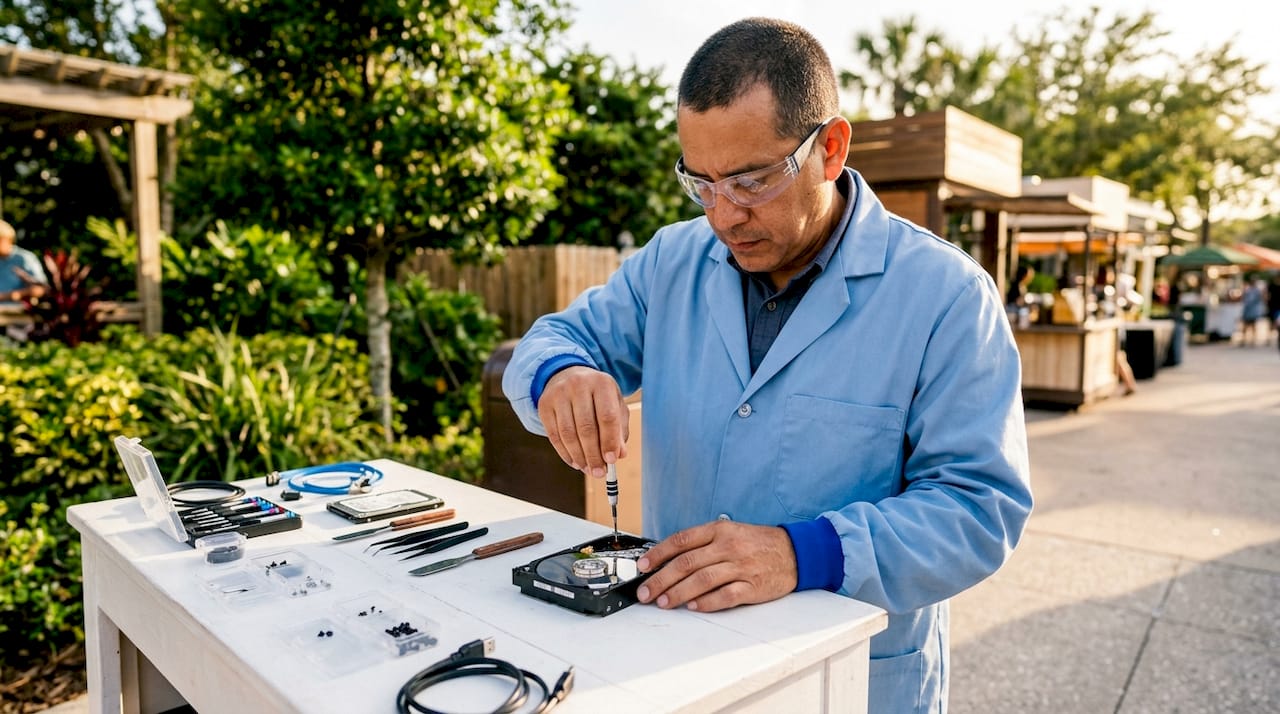
Data recovery in Orlando is the process of retrieving lost or inaccessible files from damaged devices using specialized lab equipment and certified technician expertise. Hard drives, SSDs, smartphones, and RAID arrays all qualify for professional recovery when standard access fails. Certified labs report success rates as high as 98% across failure types ranging from water damage to firmware corruption. Orlando’s climate adds a layer of risk that most residents underestimate. Frequent thunderstorms, power surges, and high humidity accelerate device failures at a rate higher than many other U.S. cities.
What causes data loss in Orlando and why professional recovery matters
Orlando’s environment creates data loss conditions that go beyond normal wear and tear. Thunderstorms drive power surges that damage drive controllers and SSD NAND chips in ways that no software tool can fix. These failures require board-level intervention, not a simple reinstall or reformat.
Data loss in Orlando falls into two broad categories: logical and physical. Logical failures include file system corruption, accidental deletion, and software errors. Physical failures include head crashes, motor seizures, water intrusion, and controller burnout. Each type demands a different recovery approach, and confusing the two leads to permanent data loss.
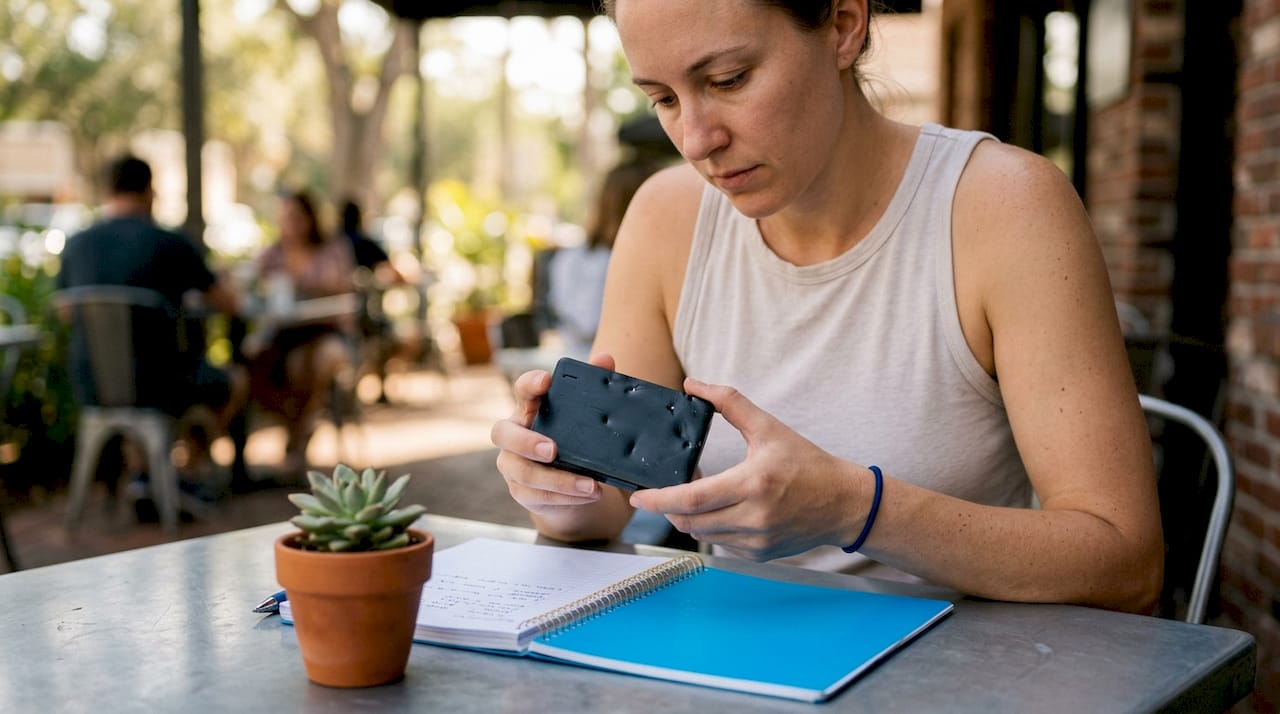
The risk of DIY recovery is real and well-documented. Consumer-level recovery software can cause irreversible damage to physically failing drives by increasing mechanical wear or overheating the controller chip. Running a scan on a clicking hard drive is one of the most common mistakes Orlando residents make.
Local repair shops present a separate problem. Many shops without cleanrooms or forensic hardware simply forward devices to third-party labs, adding cost and risk without adding expertise. A shop that advertises data recovery but lacks a PC-3000 system or micro-soldering capability is not a certified lab.
- Logical failures: File system corruption, accidental deletion, ransomware, and software crashes
- Physical failures: Head crashes, motor failure, water damage, and surge-burned controllers
- Firmware failures: Corrupted drive firmware that prevents the device from initializing
- NAND chip failures: Common in SSDs after power surges, requiring chip-off extraction
Pro Tip: If your hard drive makes clicking or grinding sounds, power it off immediately and do not attempt to restart it. Each additional power cycle risks further platter damage and reduces recovery odds.
How do data recovery specialists in Orlando retrieve your files?
Professional data recovery follows a structured process built around specialized hardware and controlled environments. The tools used separate certified labs from general repair shops.
| Tool | Purpose |
|---|---|
| Cleanroom environment | Prevents airborne contamination during hard drive disassembly |
| PC-3000 system | Diagnoses and repairs drive firmware and controller-level failures |
| Micro-soldering station | Repairs damaged circuit board components at the chip level |
| NAND chip extraction tools | Recovers data directly from SSD memory chips after controller failure |
| Forensic imaging software | Creates sector-by-sector copies of failing drives for safe data extraction |
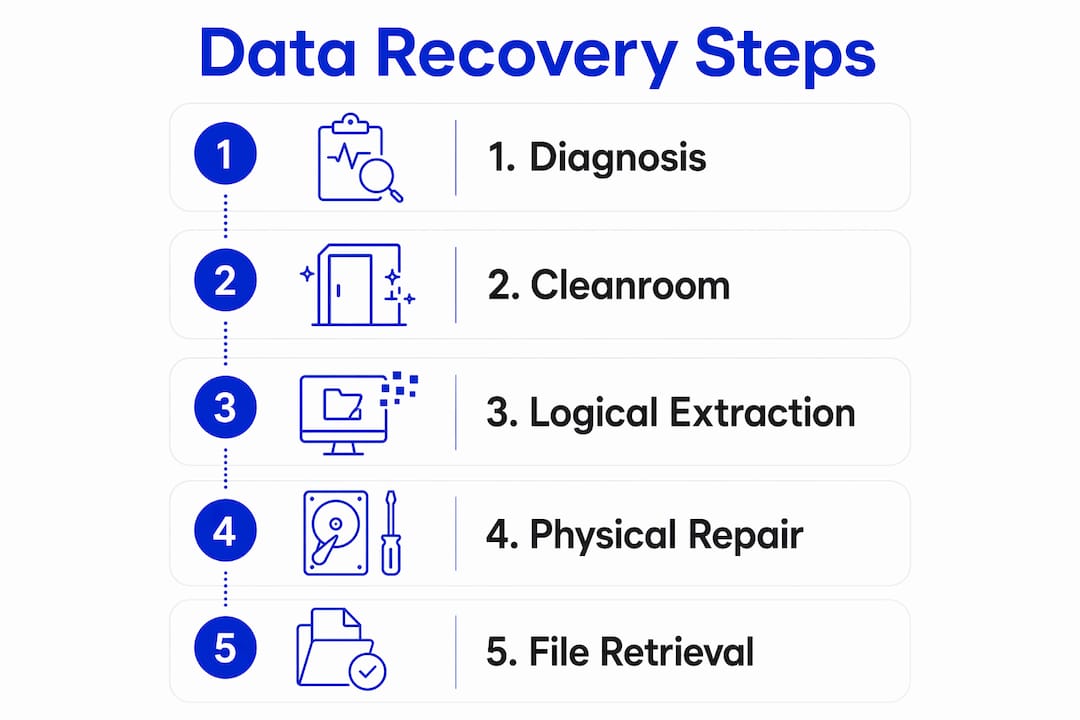
The process starts with a diagnostic evaluation. A technician inspects the device, identifies the failure type, and provides a written quote before any recovery work begins. Free evaluations and transparent pricing are standard markers of reputable providers. Any lab that charges a diagnostic fee before quoting recovery costs deserves scrutiny.
Recovery then moves through three stages. Logical extraction handles software-level failures using forensic imaging tools. Board-level repair addresses physical damage to controllers and chips using micro-soldering. Firmware reconstruction rebuilds corrupted drive initialization code using systems like PC-3000. Advanced micro-soldering techniques are non-negotiable for SSD and surge-damaged drive recovery.
For Orlando customers without access to a local certified lab, mail-in service is the standard path. Shipping to a professional lab typically takes 2–3 business days each way, with total recovery averaging 10–14 business days including return shipping. Rush services cut that timeline significantly for an added fee.
Pro Tip: Before shipping your device, photograph it from every angle and note any existing physical damage. This protects you if a dispute arises about the device’s condition on arrival.
How to start the data recovery process in Orlando
Acting quickly and correctly in the first hour after data loss dramatically improves recovery odds. Follow these steps to give your data the best chance.
-
Stop using the device immediately. Writing new data to a failing drive overwrites the files you need. Powering on a mechanically damaged drive causes further platter or chip damage. Disconnect the device and set it aside.
-
Document the failure. Note exactly what happened before the loss: a power surge, a drop, a software error, or a sudden shutdown. This information helps technicians identify the failure type faster and reduces diagnostic time.
-
Contact a certified recovery provider. Describe the device model, the failure symptoms, and the data you need to recover. Ask directly whether the lab handles recovery in-house or forwards devices to a third party. Professional labs maintain full control over each device from arrival to data delivery, which protects both security and recovery quality.
-
Ship the device securely. Use the lab’s provided shipping instructions. Wrap the device in anti-static material, then cushion it inside a rigid box. Many certified labs offer prepaid shipping labels. Mail-in services provide secure instructions that protect the device in transit.
-
Review the quote and approve recovery. A reputable lab sends a written quote after the free diagnostic. No-data-no-fee policies mean you pay nothing if recovery fails. Confirm this policy in writing before approving work.
-
Verify the recovered data. When the lab delivers your files, check them against your original file list before closing the case. Confirm that critical documents, photos, or databases are intact and readable.
Common pitfalls and how to avoid them
Several mistakes consistently reduce recovery success rates for Orlando residents and businesses. Knowing them in advance saves time, money, and data.
- Powering on a clicking drive is the single most damaging action after mechanical failure. Each spin-up risks scoring the platters and making data permanently unreadable.
- Trusting “no recovery fee” claims from general repair shops without verifying in-house lab capability. A shop that lacks cleanroom access cannot safely open a hard drive.
- Underestimating shipping time when planning for business continuity. A 10–14 business day turnaround is standard. Plan accordingly and request rush service if the data is time-sensitive.
- Choosing a provider based on price alone. Diagnostic fees ranging from $300 to $500 before any recovery attempt are a red flag. Reputable labs offer free evaluations.
“Transparent communication, including free diagnostics and no-data-no-charge policies, separates trustworthy data recovery providers from less reliable shops. Open communication prevents unexpected fees and builds customer trust.”
Protecting your data going forward requires more than a single backup. Use the 3-2-1 rule: three copies of your data, on two different media types, with one stored off-site or in the cloud. Orlando businesses should also invest in surge protectors rated for the local storm season. A quality uninterruptible power supply protects drives from the voltage spikes that surge risks commonly cause during Florida’s frequent thunderstorms.
For device-level issues beyond data recovery, understanding the difference between on-site repair and a repair shop helps you make the right call before a crisis hits.
Key Takeaways
Professional data recovery in Orlando requires certified lab equipment, transparent pricing, and a no-data-no-fee guarantee to deliver reliable results across physical and logical failures.
| Point | Details |
|---|---|
| Stop using the device | Power off immediately after failure to prevent further data loss. |
| Choose a certified lab | Verify in-house cleanroom and PC-3000 capability before committing. |
| Expect 10–14 business days | Standard mail-in recovery including shipping takes two weeks total. |
| Demand free diagnostics | Reputable labs quote before charging; upfront diagnostic fees are a red flag. |
| Prevent future loss | Apply the 3-2-1 backup rule and use surge protection rated for Florida storms. |
What I’ve learned from Orlando data loss cases
The most common mistake I see is hesitation. Someone hears a click from their drive, hopes it will go away, and keeps using the device for another day or two. By the time they contact a lab, the platters are scored and the recovery window has closed. Acting within the first hour matters more than any other single factor.
The second pattern I notice is misplaced trust in local shops. A shop that does great screen replacements is not equipped to open a hard drive in a cleanroom. These are completely different disciplines. I’ve seen customers pay a local shop’s diagnostic fee, wait a week, and then learn the shop sent the drive to a lab anyway. That delay and extra cost were entirely avoidable.
Mail-in service feels counterintuitive when you’re panicking about lost files. Sending your drive across the country seems slower than walking into a shop. In practice, a certified remote lab with proper equipment delivers better results than a local shop without it. The laptop repair options in Orlando cover many device issues, but true data recovery from physically failed drives belongs in a specialized lab environment.
My honest advice: act fast, ask the right questions, and prioritize lab credentials over convenience or price. The data on that drive is worth more than the cost of doing it right.
— Michael
Repair Genius is here when your device needs expert attention
When a device fails in Orlando, the first step is getting it into the right hands quickly. Repair Genius brings over 10 years of electronics repair experience directly to Orlando and Winter Park customers, with same-day service and transparent pricing on every job.
Whether you need same-day phone repair or professional assessment of a damaged laptop, Repair Genius technicians come to you. No hidden fees, no middlemen, and no guessing about what your repair will cost. Visit Repair Genius to book a technician or get an instant quote for your device today.
FAQ
What does data recovery in Orlando typically cost?
Professional hard drive recovery in Orlando generally costs between $650 and $2,500, with logical recovery for flash drives starting near $150. Many certified labs offer no-data-no-fee guarantees, so you pay nothing if recovery fails.
How long does Orlando data recovery take?
Standard mail-in recovery averages 10–14 business days including shipping both ways. Rush services are available at most certified labs for an added fee and can significantly reduce that timeline.
Can a local repair shop recover my data?
Most local repair shops lack the cleanroom environment and forensic hardware required for true data recovery. Many forward devices to third-party labs, which adds cost and delays without improving results.
What should I do first if my hard drive fails?
Power off the device immediately and stop all use. If you hear clicking or grinding, do not attempt to restart it. Contact a certified recovery lab and describe the symptoms before taking any further action.
How do I know if a data recovery provider is trustworthy?
Reputable providers offer free diagnostics, written quotes before recovery begins, and a clear no-data-no-charge policy. Avoid any lab that charges a diagnostic fee of $300 to $500 before quoting recovery costs.
Recommended
- Computer & Laptop Repair in Orlando
- Best Phone Repair Shop in Orlando
- Electronics Repair in Orlando & Winter Park | Repair Genius
- Buy & Sell Apple Products in Orlando | iPhone, MacBook & iPad





