
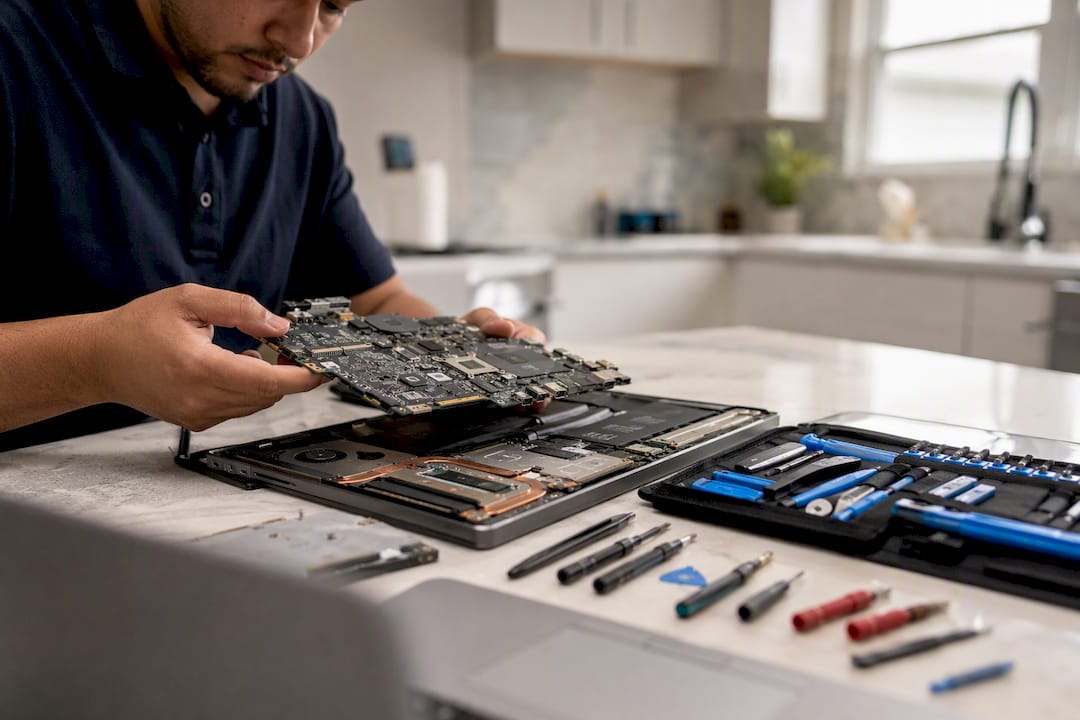
For hardware failures, malware infections, or a laptop that won’t boot, the fastest and safest route is a professional repair service with transparent pricing and clear data-handling rules. Skip the guesswork: choose a technician who quotes costs up front and tells you exactly how your files stay safe during the job.
Most people searching for help fall into one of a few buckets:
- A virus or malware slowdown that won’t clear on its own
- A cracked screen or dead battery
- A drive that’s failing and needs data recovered before it’s too late
- A machine that just needs an upgrade to keep up with new software
Your next move is simple: request a diagnostic or same-day visit with a written estimate before anyone opens the case.
Key Takeaways
A reliable computer repair service combines a written, itemized estimate with a clear parts-and-labor warranty and an explicit data-handling policy before any work begins.
| Point | Details |
|---|---|
| Get quotes in writing | National averages run $119 to $169; simple diagnostics start around $91, complex jobs can hit $226. |
| Match timeline to job type | Expect same-day for RAM/SSD swaps, 1 to 3 days for screens and batteries, up to a week for board-level work. |
| Demand a data policy | Insist on backup or imaging before any repair that risks data loss, especially on failing drives. |
| Confirm warranty terms before paying | Ask whether parts, labor, or both are covered, and for how many days. |
| Choose on-site for speed and safety | Repair Genius offers same-day, on-site repair in Orlando and Winter Park with transparent pricing and a warranty on every job. |
Table of Contents
- What Do Computer Repair Services Actually Cover?
- How Much Does Computer Repair Cost?
- How Do You Choose a Reliable Repair Service?
- What Happens During the Repair Process?
- Why Repair Genius Backs Its Work
- Does Insurance Cover Computer Repairs and Who’s Liable if Something Goes Wrong?
- What Support Do You Get After the Repair Is Done?
- How Should You Prepare Your Computer Before a Repair?
- The Real Problem With Most Repair Advice
- Book a Same-Day Repair With Repair Genius
- Frequently Asked Questions
- Sources
What Do Computer Repair Services Actually Cover?
Most computer repair services fall into five categories, and knowing which one you need saves time on the phone and money on the invoice.
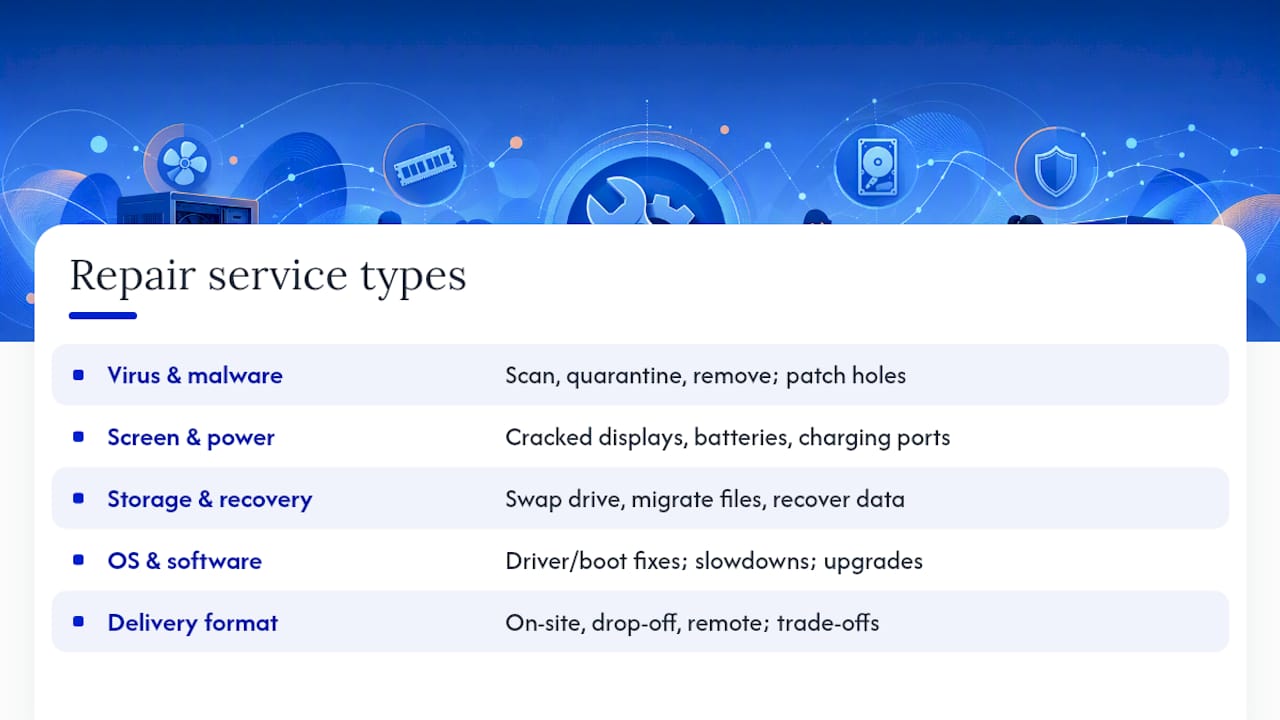
Virus and malware removal is the most common call. Techs scan, quarantine, remove the infection, then patch the holes that let it in, often bundled with a general tune-up to clear out startup clutter and free disk space.
Screen, battery, and power repairs cover cracked displays, batteries that no longer hold a charge, and charging ports that have gone loose or stopped working entirely. These are usually the fastest jobs on the list.
Storage and data recovery means swapping a failing hard drive for an SSD, migrating your files to the new drive, or pulling data off a drive that’s already failed. This is specialized work, and it’s worth quoting separately from a routine repair since data recovery and board-level repairs carry their own risk of scope creep.
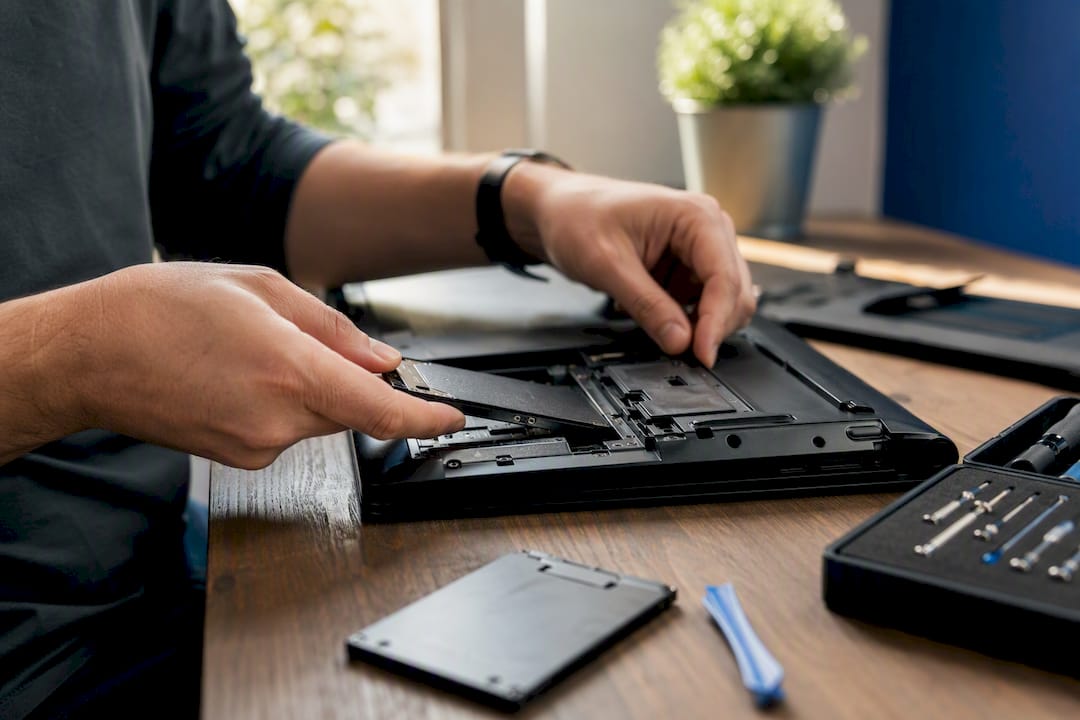
Operating system and software troubleshooting covers driver conflicts, boot failures, and general slowdowns, often paired with a hardware upgrade like more RAM or a faster drive.
Delivery format matters too. On-site service, drop-off at a shop, and remote support each fit different problems. A comparison of on-site repair versus a repair shop shows on-site work wins for convenience and business downtime, while drop-off can be cheaper for jobs that need bench time or specialty tools.
How Much Does Computer Repair Cost?
Most computer repairs cost a moderate amount nationally, with simple jobs like basic diagnostics running $91 to $100 and complex repairs climbing to $202 to $226, according to Thumbtack’s pricing data.
Hourly billing tells a similar story. HomeAdvisor reports professional technicians typically charge varying hourly rates depending on location, averaging around $60, with your location shifting that number up or down. On-site visits often add a call-out or travel fee on top of the hourly rate, so weigh that convenience against the total bill before booking.
A few things drive the final number:
- Flat rate vs. hourly: simple, predictable jobs (screen swaps, RAM upgrades) are often flat-rate; diagnostics and troubleshooting tend to bill hourly.
- Parts quality: OEM parts cost more than refurbished or aftermarket alternatives, and a good shop will tell you which one you’re getting.
- Device type: Macs generally cost more to repair than PCs because parts are pricier and fewer shops stock them.
- Job complexity: routine laptop fixes commonly fall within a moderate price range, while board-level or water-damage repairs can be significantly more expensive.
Pro Tip: Get two or three written estimates before authorizing work, and specifically ask whether the quoted parts are new, OEM, or refurbished. That one question can shift the price by $50 or more.
How Do You Choose a Reliable Repair Service?
Run through this checklist before you hand over your device:
- Check credentials and reviews. Look for certified technicians, a clear warranty policy, and a track record of consistent reviews, not just a five-star average with three ratings.
- Ask about the diagnostic fee. Some shops waive it if you proceed with the repair; others charge it regardless.
- Confirm the parts warranty. Reputable shops back both parts and labor, often for 30 days or more.
- Ask how they handle your data. A trustworthy technician backs up or images your drive before any repair that risks data loss.
- Get a realistic timeframe. Vague answers like “we’ll call you” are a red flag; you want a specific window.
- Ask about their escalation policy. What happens if the job turns out to be bigger than expected?
- Confirm payment terms and ID. Reputable shops don’t require full payment before the work is done.
Watch for red flags: no written estimate, pressure to buy an extended warranty or unrelated service, or a timeline that keeps sliding. If your business can’t afford downtime, on-site service is usually worth the added call-out fee since it saves the trip and the wait.
What Happens During the Repair Process?
Every repair starts with diagnostics, usually 15 to 30 minutes, sometimes bundled into the repair fee and sometimes billed separately. From there, timelines split into three bands.
- Same day: RAM or SSD swaps, basic tune-ups, simple diagnostics.
- 1 to 3 days: screen replacements, battery swaps, most parts-based repairs.
- 3 to 7 days or longer: logic-board repairs or jobs needing rare parts.
Before any destructive repair, ask how the technician handles your data. Solid practice is to make a read-only image of a failing drive before attempting fixes that could make things worse. If the job grows in scope, a good shop calls you with a revised quote before touching anything new, not after the invoice arrives.
Why Repair Genius Backs Its Work
Repair Genius has spent over 10 years fixing phones, laptops, tablets, and small-business devices on-site across Orlando and Winter Park, often the same day the call comes in.
Customers consistently point to two things: speed and honesty about the bill. A same-day visit with a clear, itemized quote and no surprise line items at the end is what keeps people calling back.
Every repair comes with a warranty on parts and labor, and pricing is disclosed before work starts, not estimated loosely and revised later. Data safety is treated as part of the job, not an afterthought: files stay on the device, and nothing leaves your sight during the repair.
Does Insurance Cover Computer Repairs and Who’s Liable if Something Goes Wrong?
Standard renters and homeowners insurance sometimes covers accidental damage to a personal computer, but coverage depends entirely on your policy’s terms and deductible; check before assuming a cracked laptop screen is covered. Business owners often need a separate equipment or business-property policy, since general liability rarely extends to a company laptop that gets dropped.
Repair providers carry their own liability coverage for a different reason: it protects you if a technician damages your device further during the repair. Before authorizing work, ask directly whether the shop or technician carries liability insurance and what happens if something breaks during the repair that wasn’t broken before. A shop with nothing to say here is telling you something.
Extended manufacturer warranties (AppleCare, Dell ProSupport, and similar programs) can sometimes cover repairs directly through the manufacturer, but using a third-party repair service on a device still under warranty can occasionally void that coverage depending on the manufacturer’s terms. Ask your repair provider whether the work you need would affect an existing warranty, and get that answer in writing if the device is still under one. It’s a five-minute question that can save a much bigger headache later.
What Support Do You Get After the Repair Is Done?
A repair isn’t really finished until you’ve used the device for a few days without the original problem coming back. That’s why the warranty period matters as much as the repair itself.
Most reputable shops back parts and labor for a defined window, often 30 days or longer, covering the exact issue that was fixed. If the same problem recurs within that window, a legitimate provider fixes it again at no charge rather than treating it as a brand-new job. Ask specifically whether the warranty covers parts only, labor only, or both, since some shops narrow the coverage more than customers expect.
Refund policies vary more than warranties do. Some providers refund the diagnostic fee if you decline the repair; others apply it toward the final bill. Ask this before you agree to the diagnostic, not after you’ve paid it.
Repeat repairs on the same device are where good providers separate themselves from mediocre ones. If your laptop keeps coming back for the same charging port issue, that’s not a sign you have bad luck. It’s a sign the first repair wasn’t done right, and a shop that stands behind its work will address that pattern rather than charging you full price each time.
How Should You Prepare Your Computer Before a Repair?
Back up everything before you hand over your device, even if the technician plans to do it too. A cloud backup or an external drive copy of your photos, documents, and work files is the cheapest insurance you’ll buy all year, and it takes less time than the drive to the repair shop.
Remove or log out of sensitive accounts where possible: banking apps, password managers, email clients with saved credentials. Most reputable technicians won’t go digging through your personal files, but reducing exposure costs you nothing and protects you if the device changes hands more than once during the repair.

Write down your passwords or have them accessible, since a technician may need to log in to test the fix after the repair, not just diagnose it. If the device won’t boot at all, mention that clearly so the shop can talk through data recovery options for a failing drive.
Finally, decide in advance whether this repair is worth it. A useful framework weighs the device’s age, the repair cost as a share of replacement cost, and how much downtime is costing you against the machine’s future performance. If the math points to replacement, a trade-in service like BuyBackBear can recover some value from the old device rather than letting it sit in a drawer.
The Real Problem With Most Repair Advice
Most repair guides treat every shop as interchangeable and every fix as a coin flip. That’s not what the pricing data or the timelines actually show. A screen swap and a board-level water-damage repair aren’t the same category of decision, and treating them that way is how people end up either overpaying for a simple fix or underpaying for a complex one and getting a rushed job.
The advice that actually holds up is narrower: demand a written estimate, confirm the parts warranty, and ask how your data is handled before anything gets touched. Those three questions filter out nearly every bad experience readers report. What’s overrated is shopping purely on price. A $40 gap between quotes rarely matters; a missing warranty or a vague data policy does.
If there’s one thing worth prioritizing above the rest, it’s speed paired with transparency. A same-day, on-site repair with a clear price upfront solves the actual problem people have: a broken device and no time to spare hunting for a shop they can trust.
Book a Same-Day Repair With Repair Genius
Repair Genius is the direct alternative to hauling your laptop across town and waiting days for a callback: a certified technician comes to you in Orlando or Winter Park, diagnoses the problem on the spot, and hands you an itemized quote before touching a screw.

Common jobs like screen swaps, battery replacements, and virus removal are frequently handled same-day, with data safety built into every step, files stay on your device, and nothing gets uploaded or copied without your say. Every repair carries a warranty on parts and labor, and if the same issue resurfaces, Repair Genius fixes it again rather than charging you twice. Business owners juggling multiple devices can check the types of business laptop repairs Repair Genius handles on-site to minimize downtime.
Ready to get a real number instead of a guess? Request an estimate and schedule your on-site visit today, and get your device back in working order without leaving home or the office.
Frequently Asked Questions
How much does computer repair usually cost?
Most jobs fall between $119 and $169, with simple diagnostics closer to $91 to $100 and complex repairs reaching $202 to $226, based on Thumbtack’s pricing data.
How long does a typical repair take?
Simple swaps like RAM or SSD upgrades are often same-day. Screens and batteries usually take one to three days. Board-level or water-damage repairs can take a week or longer.
Is it worth repairing an old laptop or should I replace it?
It depends on the repair cost relative to replacement value and the device’s age. If the fix costs a small fraction of a new machine, repair usually makes sense; if not, a repair-vs-replace guide can help you decide.
Does computer repair insurance exist?
Some homeowners or business-property policies cover accidental damage, but coverage varies by policy. Ask your repair provider whether they carry liability coverage for damage that occurs during the repair itself.
What should I do before dropping off my computer for repair?
Back up your files, log out of sensitive accounts, and have your login credentials accessible so the technician can test the fix after the repair is complete.
Sources
- 2026 Computer Repair Prices | Mac, PC & Laptop Repair Costs
- 2026 Computer & Laptop Repair Costs: Hard Drives, Keyboards & More – HomeAdvisor
- Computer Repair Costs In 2026: What’s Worth Fixing And What’s Not
Recommended
- Phone Repair vs Replacement Cost: 2026 Decision Guide
- Laptop Repair Before Replacement Checklist 2026
- Device Repair Checklist for Employees: On-Site Prep Guide
- Types of Business Laptop Repairs: 2026 Guide





