
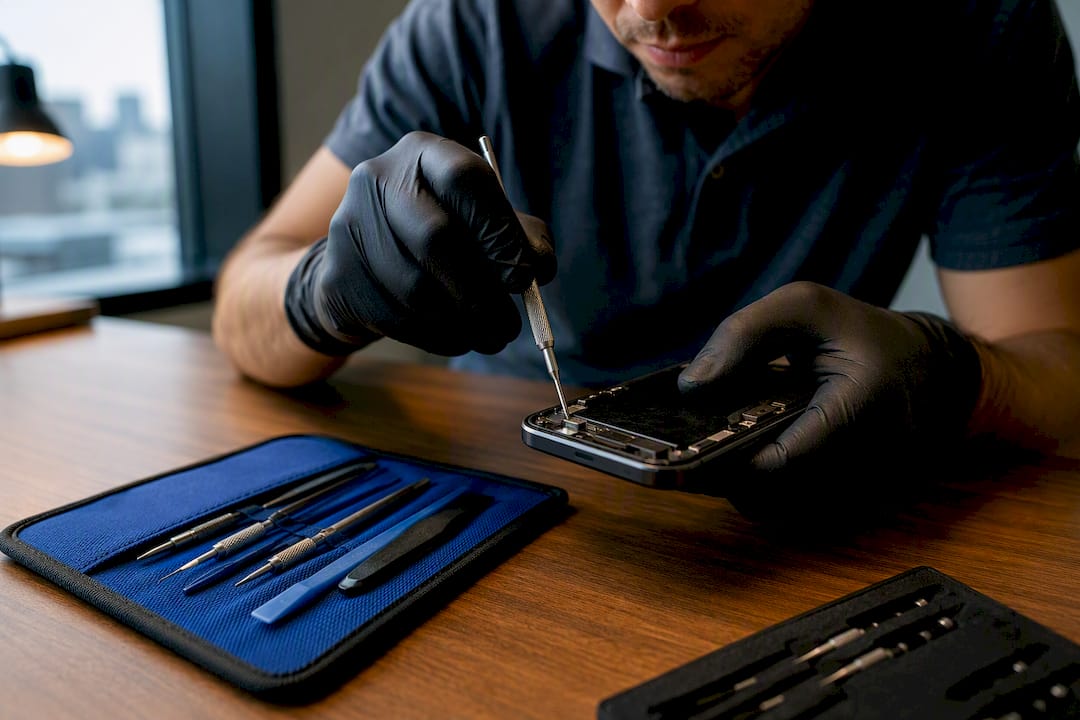
Apple Stores and Apple Authorized Service Providers are your safest bet for certified Apple repairs, using genuine parts and preserving your warranty coverage. You book through the Genius Bar, an AASP appointment, or Apple’s mail-in program, and iPhone screens are often fixed same-day. If you’d rather skip the drive and the waiting room, Repair Genius brings on-site repair straight to you, often the same day.
TL;DR:
- Apple authorized repair services guarantee the use of genuine parts and preserve your warranty, unlike independent shops or unauthorized providers.
- On-site repair services like Repair Genius offer same-day, transparent, and mobile device repairs, especially for common issues like screens and batteries.
- Repair costs vary significantly based on device type, damage extent, warranty status, and whether genuine Apple parts are used, with firm quotes available after diagnostics.
- Confirm repair provider authorization through Apple’s official locator to avoid voiding warranty coverage, particularly for water damage or logic board repairs.
- Preparing by backing up data and bringing accessories can significantly speed up repair appointments and protect personal information.
Table of Contents
- How Do You Find and Book an Apple Repair Near You?
- Why Does Authorized Repair Status Actually Matter?
- What Do Apple Repairs Typically Cost and Take?
- How Should You Prepare for Your Repair Appointment?
- Why Repair Genius Works for Apple Owners Who Want It Done Today
- Where to Verify Authorization, Pricing, and Booking
- The Authorization Question Most Guides Get Backwards
- Get Your Apple Device Fixed Without Leaving Home
- Sources
How Do You Find and Book an Apple Repair Near You?
Start with Apple’s own tools before you call around to random shops. The process takes minutes and tells you exactly what your device needs before you leave the house.
- Run the diagnosis online first. Open Apple’s repair and support flow, pick your device, and describe the issue. Apple’s system will suggest troubleshooting steps or point you toward a repair path based on your model and warranty status.
- Pick your service path. You’ve got three real options: a Genius Bar reservation at an Apple Store, an appointment at a nearby Apple Authorized Service Provider, or a prepaid mail-in box for repairs that don’t need a face-to-face visit.
- Check same-day availability. iPhone screen repairs are commonly finished same-day when parts are in stock. Battery swaps often move quickly too, but anything involving water damage or a logic board usually needs more time or a mail-in ticket.
- Confirm your appointment. Use the Apple Support app, Apple’s online scheduler, or a phone call to lock in your slot. Bring ID and your purchase information, and expect a quick front-desk check-in before diagnostics begin.
Walk-ins happen at some Apple Stores, but they’re a gamble. Reserved appointments almost always get seen faster, especially on weekends.
Why Does Authorized Repair Status Actually Matter?
“Apple Authorized Service Provider” isn’t a marketing label. It means Apple has trained and certified the technicians and requires them to use genuine parts. An “Independent Repair Provider” is a separate Apple program with looser requirements, and a shop with neither designation is running entirely on its own standards.
The warranty consequences are real. Apple states that only repairs performed by Apple or an AASP are guaranteed to be covered under the Apple Limited Warranty and AppleCare. Get a screen replaced somewhere unauthorized, and you risk voiding coverage on that specific repair, or complicating a future AppleCare claim tied to it.
Before you hand over your device, do this:
- Search Apple’s official locator for stores and AASPs near your zip code.
- Ask the shop directly whether they’re Apple Authorized, not just whether they “use Apple parts.”
- Cross-check the provider’s name against Apple’s list rather than trusting a website badge.
Independent repair or Apple’s Self Service Repair program can make sense for older, out-of-warranty devices where cost matters more than warranty preservation. Just know the trade-off going in.
Pro Tip: If you’re still under AppleCare or plan to trade in the device later, authorized repair protects both. Trade-in valuations sometimes get docked for unauthorized parts.
What Do Apple Repairs Typically Cost and Take?
Cost and turnaround depend heavily on what’s actually broken. A cracked screen is a different job than a soaked logic board, and pricing reflects that.
- Screen replacement: usually the fastest fix, often same-day, with pricing scaled to your specific iPhone, iPad, or MacBook model.
- Battery replacement: commonly quick, though older or discontinued models sometimes need ordered parts.
- Water damage or logic board work: frequently multi-day, since diagnostics alone can take time before a quote is even possible.
A few things move the price up or down: your device model, whether AppleCare+ applies, whether the shop uses genuine Apple parts, and the labor rate for diagnostics. AppleCare+ can knock the cost of an accidental screen repair down substantially versus paying out of pocket, which is worth checking before you assume the worst on price.
Get a firm number before committing. Apple’s support pages list starting estimates by model, and any legitimate provider should give you a written quote after diagnostics, not a vague range over the phone. Skip the temptation to chase the cheapest unauthorized quote you find online. Third-party parts that look identical to genuine Apple components can fail sooner or affect touch sensitivity, and you won’t know until it’s too late.
How Should You Prepare for Your Repair Appointment?
A little prep saves real time at the counter and protects your data if something goes wrong mid-repair.
- Back up your device. Do this the night before, not in the parking lot. Have your Apple ID and password ready in case the technician needs to sign you out.
- Bring your accessories. Charger, cable, SIM removal tool if you’ve got one, and the case, especially if the issue involves charging or connectivity.
- Write down the symptoms. When did it start, does it happen consistently, what were you doing when it began. Specifics cut diagnostic time significantly.
- Ask about data handling. A reputable provider will explain how they handle your personal information during the repair and what warranty applies to the finished work.
Pro Tip: Genius Bar guidance specifically recommends backing up and having your Apple ID ready before you arrive. It’s a two-minute step that can shave real time off your visit.
Why Repair Genius Works for Apple Owners Who Want It Done Today
Repair Genius handles iPhone, iPad, and MacBook repairs on-site, which means a technician comes to your home or office instead of you sitting in a store lobby. Same-day service is standard for common jobs like screen and battery replacement.
What sets the experience apart isn’t just the convenience:
- Transparent pricing with no hidden fees, quoted before work starts.
- A data-safety focus to protect your personal information throughout the repair.
- Extensive hands-on repair experience across various devices.
- Warranty coverage on parts and labor for completed repairs.
The process runs simply: you describe the issue, get a quote, and a technician arrives to complete the work at your location. For device-specific detail on how MacBook and iMac repairs work on-site, Repair Genius has a dedicated guide covering exactly what to expect.
Where to Verify Authorization, Pricing, and Booking
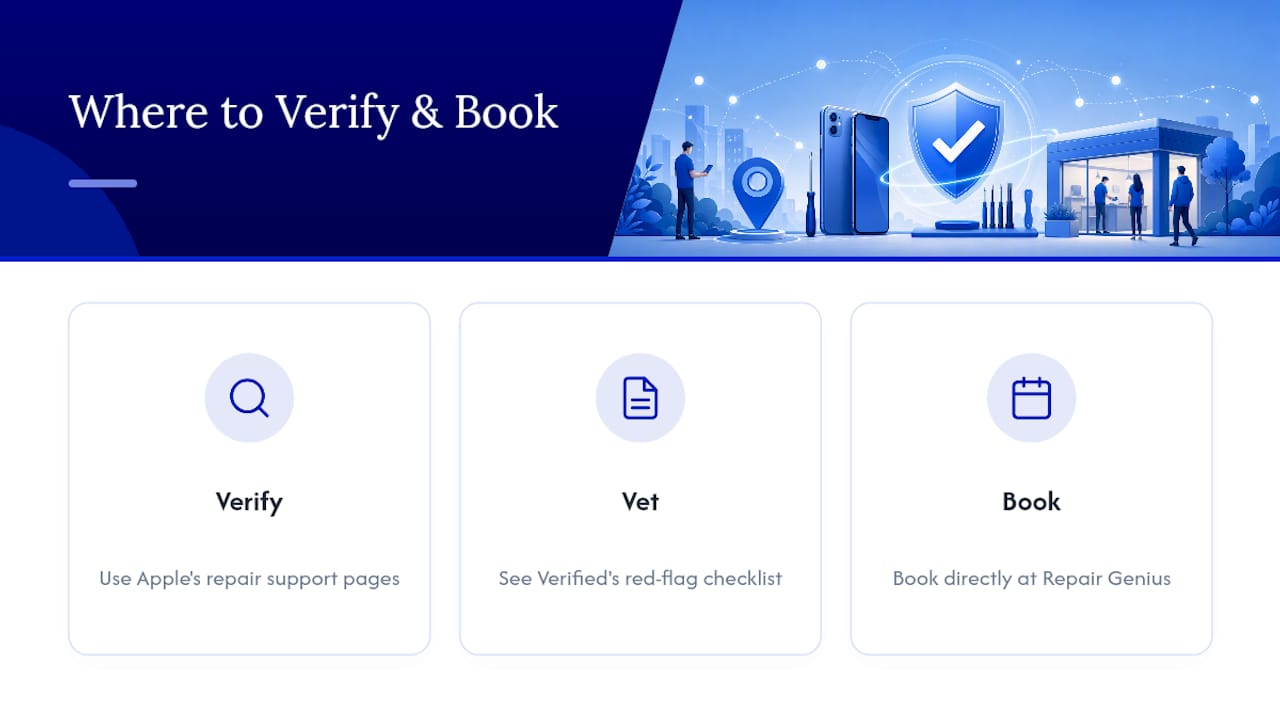
Confirm any provider’s status through Apple’s repair support pages or its store and Genius Bar locator. If you’re vetting a local shop’s website before trusting it, Verified walks through the red flags worth checking. For direct booking, visit Repair Genius.
The Authorization Question Most Guides Get Backwards
Most repair advice treats “authorized” as a box to check and moves on. That undersells what’s actually at stake. The real question isn’t whether a shop is authorized. It’s whether authorization matters for your specific device and situation. A five-year-old iPhone with no AppleCare and no resale plans doesn’t carry the same warranty risk as a six-month-old MacBook Pro still under coverage.
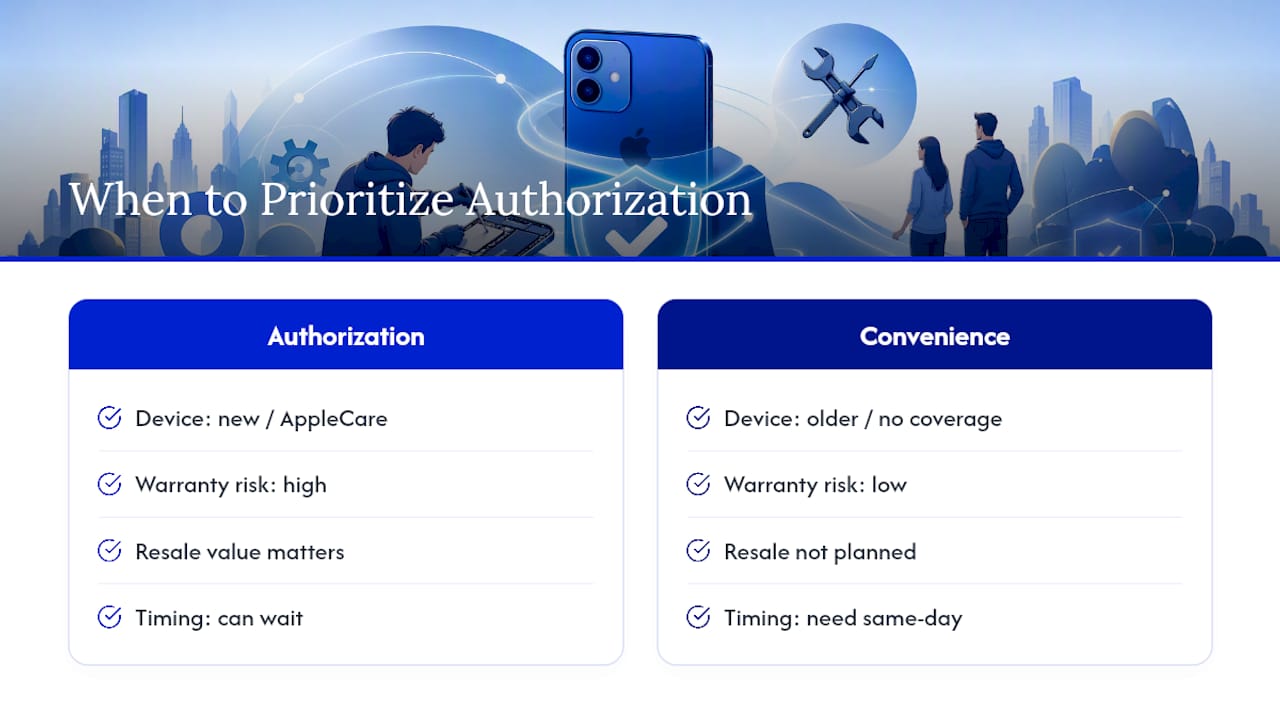
Where the conventional advice really falls short is convenience. Plenty of guides assume you’ll drive to a store, wait for a slot, and sit around for an hour. That’s fine if you’ve got the afternoon free. Most people don’t. The gap between “authorized repair” and “convenient repair” is exactly where on-site service earns its place, not as a lesser option, but as the practical one for a cracked screen on a Tuesday morning before work.
Prioritize authorization when your warranty or AppleCare still has real value. Prioritize speed and convenience everywhere else. Both can be true at once.
— Michael
Get Your Apple Device Fixed Without Leaving Home
Repair Genius is the alternative to sitting in a store waiting room: certified, same-day repair for iPhones, iPads, and MacBooks that comes to your home or office in Orlando and Winter Park instead of the other way around.

That matters most on the days you genuinely can’t spare a trip across town. A cracked screen before a work call, a laptop that won’t charge before a deadline, a tablet a kid dropped on the way out the door. Repair Genius quotes the job upfront with transparent pricing and no hidden fees, backed by extensive repair experience and a clear data-safety process to protect your personal information during repair.
If you’re dealing with a cracked iPhone screen specifically, check the dedicated repair guide for what the process looks like and how fast it typically moves. Otherwise, head to Repair Genius to describe your issue and get a same-day quote for your device.
Sources
- Apple Repair and Repair Status Check – Official Apple Support
- Apple Service and Repair for iPhone – Apple Support
- Genius Bar Reservation and Apple Support Options – Apple
- Apple repair terms (service terms) – Apple Legal
Recommended
- Same Day Laptop Repair Explained: What to Expect
- MacBook & iMac Repair in Orlando | On-Site Apple Repair
- Cracked iPhone Screen Repair Near Me
- Apple Repair Specialist: Your 2026 Guide to Certified Service










