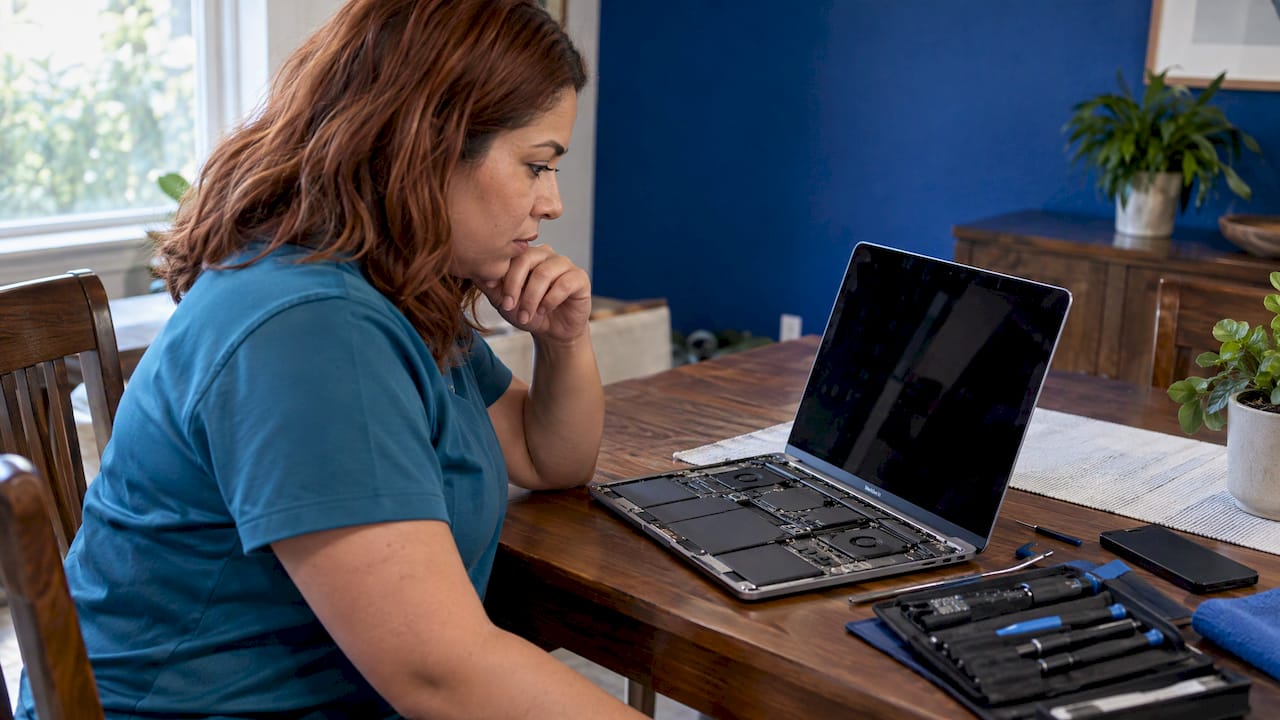
If your MacBook just met a drink, the best outcome comes from three things done in order: cut power in the first seconds, keep it off while it dries, then have a technician open it and inspect the board before corrosion spreads. Most liquid damage is repairable at the component level, and the repair often costs far less than a new laptop. In Orlando and Winter Park, we bring that repair to your home, office or campus, so your data never has to sit in a drop-off bin.
TL;DR
- Shut the Mac down, unplug everything and keep it off. Do not use heat, compressed air or rice.
- Apple’s warranty and AppleCare Protection Plan exclude liquid damage, so the repair is usually a paid job unless you have AppleCare+.
- Typical US out-of-warranty estimates run from a diagnostic fee up to four figures for logic-board work, depending on what the liquid reached.
- Corrosion keeps working after the Mac looks dry, so a Mac that “seems fine” still needs an inspection, and a backup the moment it powers on.
- We repair MacBooks on site in Orlando and Winter Park with quoted-up-front pricing and a warranty on parts and labor.
Table of Contents
- The first ten minutes after a spill
- Is it really damaged? Reading the signs
- How liquid damage is diagnosed and repaired
- What MacBook liquid damage repair costs in the US
- Protect your data before anything else
- Repair or replace: a simple test
- Why on-site repair suits a liquid spill
- Book an on-site MacBook repair
- Our view on spilled MacBooks
- FAQ
- Sources
The first ten minutes after a spill
What you do in the first minutes matters more than anything a repair shop does later. Liquid is only dangerous to a laptop’s electronics when power runs through it, so the goal is to stop the current and keep it stopped.
- Shut down and unplug. Apple’s guidance is to shut down the Mac and disconnect it from every power source, then unplug the cable or accessory from the Mac and from the adapter. Do not plug anything back in until the Mac and cable are completely dry (Apple Support). If the screen is frozen, Macworld suggests holding the power button for about five seconds.
- Remove peripherals. Pull out the charger, drives, dongles and the hub. A wet power bank or charger sitting next to the laptop is a separate hazard, and this guide on what to do when a power bank gets wet covers that side of a spill.
- Blot, do not push. Dab visible liquid from the outside with a lint-free cloth. Macworld says to lay the MacBook upside down on paper towels in a dry, ventilated spot so gravity pulls liquid away from the keyboard and board.
- Leave it alone. Macworld recommends waiting at least a day before turning it on again, and up to 72 hours after a significant spill.
We wrote a shorter walkthrough of the same moment in what to do when water hits a laptop, which is worth keeping open on your phone while you work through it.
What not to do
Most of the permanent damage we hear about comes from a well-meant shortcut:
- Do not use a hair dryer or any external heat. Apple lists external heat, compressed air, and inserting cotton swabs or paper towels into ports as things to avoid.
- Do not put the Mac in rice. Apple names rice specifically. Grains can lodge in ports and add a second problem.
- Do not shake it. Macworld notes that shaking spreads liquid deeper into the machine.
- Do not “test” it after an hour. Powering on too soon sends current through wet components, which is how a repairable spill becomes a dead logic board.
Is it really damaged? Reading the signs
A MacBook that boots after a spill is not necessarily safe. Macworld points out that water damage can show up days or weeks later as corrosion builds up, so a dry exterior tells you very little about the inside.
Some newer MacBooks help you out. Apple says that on macOS Sequoia or later, supported MacBook models with M3 and newer chips can show a liquid-detection alert when liquid is in the USB-C port. If you see it, unplug the cable, shut down the Mac, and keep it disconnected until the Mac and cable are completely dry. Apple’s advice is to wait at least a day, look at the port, then try again, and to power down and wait another day if the alert returns (Apple Support).
Signs that mean a technician should look at it:
- The Mac will not turn on, or shuts off at random.
- Keys stick, double-type or stop working.
- The screen flickers, shows lines or has discolored patches.
- The battery drains fast or the Mac refuses to charge.
- A USB-C port stops charging or reading devices, or the liquid alert keeps returning.
- Speakers crackle, or the trackpad clicks unevenly.
A USB-C port that fails after a spill is often a corrosion problem rather than a worn cable. Our page on MacBook USB-C repair explains how that diagnosis works.
How liquid damage is diagnosed and repaired
Liquid damage is rarely one broken part. The liquid leaves residue on the logic board, which is the main circuit board of the laptop. Residue and moisture create corrosion on tiny contacts and chips, and the damage can spread to the battery, keyboard, display cable and ports.
A proper repair follows a sequence:
- Power off and open the Mac. The technician removes the bottom case and disconnects the battery before anything else, so no current can flow while the board is exposed.
- Inspect for corrosion. Visible green, white or brown residue marks where liquid traveled. The technician also checks the battery, keyboard, trackpad and connectors for exposure.
- Clean the affected areas. Residue is removed from the board and connectors so that corrosion stops advancing.
- Test the circuits. Board-level diagnostics find which components are shorted or failed, instead of guessing.
- Replace what failed. Depending on the spill, that may be a small component on the board, a battery, a keyboard or top case, or in the worst cases the logic board.
- Test the whole Mac and confirm data. Charging, ports, display, keyboard, trackpad and storage are tested before the Mac goes back to you.
The difference that matters for your wallet is the repair level. A repair that finds and fixes the failed component on the board is a different job from swapping the whole board. LegalClarity notes that Apple’s standard approach to liquid damage is replacing the entire logic board, with quotes often between $750 and $1,600, while component-level repair can sometimes fix the same damage for considerably less. Board-level repair is part of what we do, and it is the reason a spill does not have to end in a replacement quote.
How long it takes
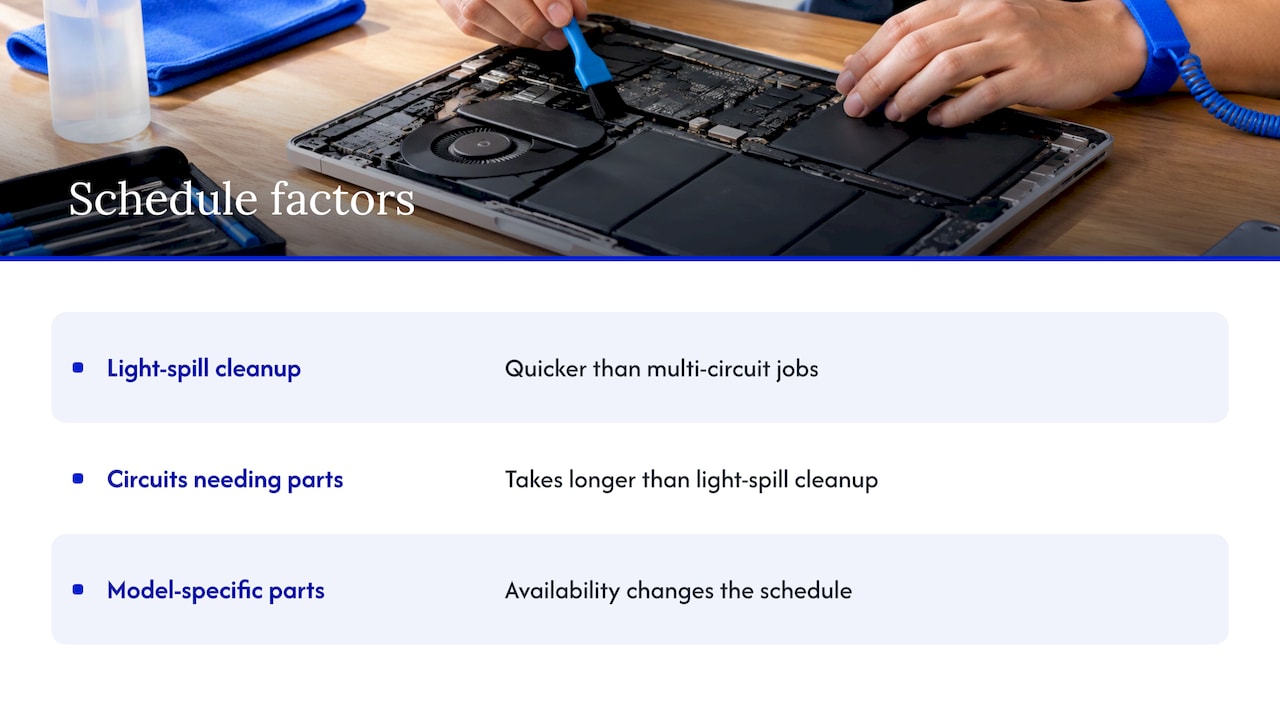
There is no single number. A clean-up and test on a light spill is quicker than a job where several circuits need parts, and parts availability for your specific model changes the schedule. Because we come to you, a same-day visit lets the technician diagnose the Mac in front of you, and you leave the visit knowing the quoted cost and the plan rather than waiting for a call from a counter.
What MacBook liquid damage repair costs in the US

Start with the warranty question, because it decides who pays. Apple states that damage from liquid exposure is not covered by its one-year limited warranty or the AppleCare Protection Plan (Apple Support). AppleCare+ is different: it covers accidental damage for a service fee. A July 2026 fee table from a retailer lists $99 for screen or enclosure damage and $299 for other accidental damage on a Mac, which is where liquid damage falls (Zeerawireless). If you have AppleCare+, check your coverage first.
Without it, you are paying out of pocket. LaptopJudge published typical US out-of-warranty estimates in November 2026:
| Work | Typical US estimate |
|---|---|
| Inspection or diagnosis | $0 to $150 |
| Board-level corrosion cleaning or repair | $200 to $800 |
| Battery or one replaceable part | $150 to $400 |
| Display or top-case assembly | $400 to $1,000+ |
| Major assembly or logic-board replacement | $600 to $1,500+ |
| Data recovery | $300 to $1,500+ |
These are market estimates, not our prices. Model, damage, parts availability and data work all move the number. What you should expect from us is a price quoted up front for the work, with diagnostics and parts and labor spelled out, and no hidden fees.
What pushes the bill up
- Time before treatment. Corrosion keeps spreading while a wet Mac sits, so a delay can turn a cleaning into a part replacement.
- Sugary or milky liquids. Coffee with sugar, soda and juice leave sticky residue, while clean water is usually the kindest spill.
- Attempts to power on. Current through wet components can add failed chips to the list.
- Newer models. Integrated parts mean more of the Mac is tied together.
- Data work. Recovery is its own job if storage is affected.
Protect your data before anything else
For most people, the files matter more than the laptop. Secure Data Recovery advises backing up as soon as the Mac powers on again, even if it seems normal, because corrosion can continue after it looks dry. It also warns that on newer MacBook Air and Pro models the SSD is often integrated with the logic board, so a repair and a data recovery are not always the same thing, and important files should be secured before a board replacement (Secure Data Recovery).
Three habits protect you:
- Back up now, not later. If the Mac boots after a long dry-out, copy your files to an external drive or cloud storage before you do anything else.
- Say that data matters when you book. It changes the order of work, so the technician protects your files before replacing boards.
- Keep the repair private. A technician working at your table keeps the Mac in your sight, which is one reason we focus on data safety. We also offer data recovery and backup solutions for situations where the storage is the problem.
Repair or replace: a simple test
The decision comes down to three numbers: the repair quote, what the Mac is worth, and what a comparable replacement costs. TechBloat’s 2026 guide frames it well: for a recent Apple-silicon MacBook Pro, a $299 AppleCare+ claim or a repair of a few hundred dollars usually makes more sense than a new computer, while on an older machine with several problems a quote that approaches its used-market value deserves careful thought.
Use this quick check:
- Get a written quote for the repair, not a verbal range.
- Compare it with the replacement price of a Mac with similar memory and storage.
- Weigh the age. A recent Mac with a $300 to $500 fix is a good repair. A Mac with a worn battery, a failing display and a $1,000 quote is a harder call.
- Count what you would lose. Software setup, files and time with a new machine cost more than the sticker price.
Students and small business owners weigh this differently: a student laptop that carries a thesis cannot be down for a week, and a business Mac carries client work. Our guide on repairing versus replacing a student laptop walks through that math for tighter budgets.
Why on-site repair suits a liquid spill
A spilled Mac is the worst device to carry around in a bag or leave at a drop-off counter. Every hour of delay counts, and every trip is another bump to a board that is still wet. Our technicians come to the location you choose in Orlando or Winter Park, so the Mac does not travel, and the diagnosis happens where you can ask questions and see what is wrong. We compare how that compares to a counter visit in on-site computer repair versus a repair shop.
What the visit includes:
- Same-day service for MacBook and iMac repairs.
- Honest diagnostics and a quote before work starts.
- Certified technicians who do board-level repairs.
- A warranty on parts and labor.
- Attention to data safety from the first minute.
If you are looking at options, our page on finding reliable MacBook repair near you lays out what to look for in a provider. For water damage in other devices, we also have a page on water damage repair in Orlando.
Book an on-site MacBook repair
If your MacBook took a spill, turn it off, keep it unplugged and call us. We repair MacBooks and iMacs at your home, office or campus across Orlando and Winter Park, from liquid damage and failed batteries to charging port faults and data recovery. See MacBook and iMac repair for the details, or start at repairgeniuses.com to book a visit.

Our view on spilled MacBooks
Most people who call us after a spill have already done one of two things: powered the Mac back on to see if it works, or packed it in rice. Both are understandable, and neither helps.
Our position is simple. A spill is a time problem. The sooner the power is off and a technician is looking at the board, the more likely the repair is small. That is why we come to you instead of asking you to carry a wet laptop across town.
We also believe you should know the price before the work starts. We quote the diagnostics, the labor and the parts up front, we explain what the liquid reached, and we protect your files while we work. A repair on a Mac that matters to your work or studies usually costs a fraction of replacing it, and our parts and labor come with a warranty.
If the Mac is a student’s laptop, a parent’s family computer or a business machine with client files, tell us that when you call. It tells us what to protect first.
Michael
FAQ
What should I do if my MacBook got water damage?
Shut it down immediately, unplug the charger and every accessory, and blot the outside with a lint-free cloth. Keep it powered off in a dry, ventilated place for at least a day, and avoid heat, compressed air and rice, as Apple advises. Then have it inspected even if it seems to work.
How much does Apple charge to fix water damage?
Apple’s warranty and AppleCare Protection Plan do not cover liquid damage, and AppleCare+ covers it as accidental damage for a service fee ($299 for most Mac accidental damage in a July 2026 fee table). Without AppleCare+, published estimates for logic-board replacement run from about $750 to $1,600. A component-level repair can cost less.
Is a laptop ruined if it gets wet?
Not necessarily. Many wet laptops are repairable, especially when power is cut quickly and the Mac is inspected before corrosion spreads. The risk rises when the Mac is switched on while wet or left untreated for days.
How long does MacBook liquid damage repair take?
It depends on how far the liquid traveled and whether parts are needed for your model. A light spill is quicker than one affecting several circuits. For an on-site visit in Orlando or Winter Park, we can diagnose the Mac the same day and give you a quote and plan.
Can I recover my files from a water-damaged MacBook?
Often, yes, but the order of work matters. On newer MacBooks the storage is tied to the logic board, so files should be protected before any board replacement. Tell the technician at booking that your data is the priority.
Sources
- Apple Support: liquid-detection alert on MacBook
- Apple Support: liquid damage not covered by warranty
- Macworld: spilled water on your Mac
- LaptopJudge: MacBook water damage repair cost breakdown
- LegalClarity: AppleCare and spills on MacBook
- Zeerawireless: AppleCare+ price increase explained
- Secure Data Recovery: spilled water on MacBook
- TechBloat: MacBook Pro keyboard replacement cost guide
Recommended
- Where to Find Reliable MacBook Repair Near Me
- Spilled Water on Your Laptop? Cut Power Before You Blot
- Water Damage Repair in Orlando: Same-Day On-Site Service