
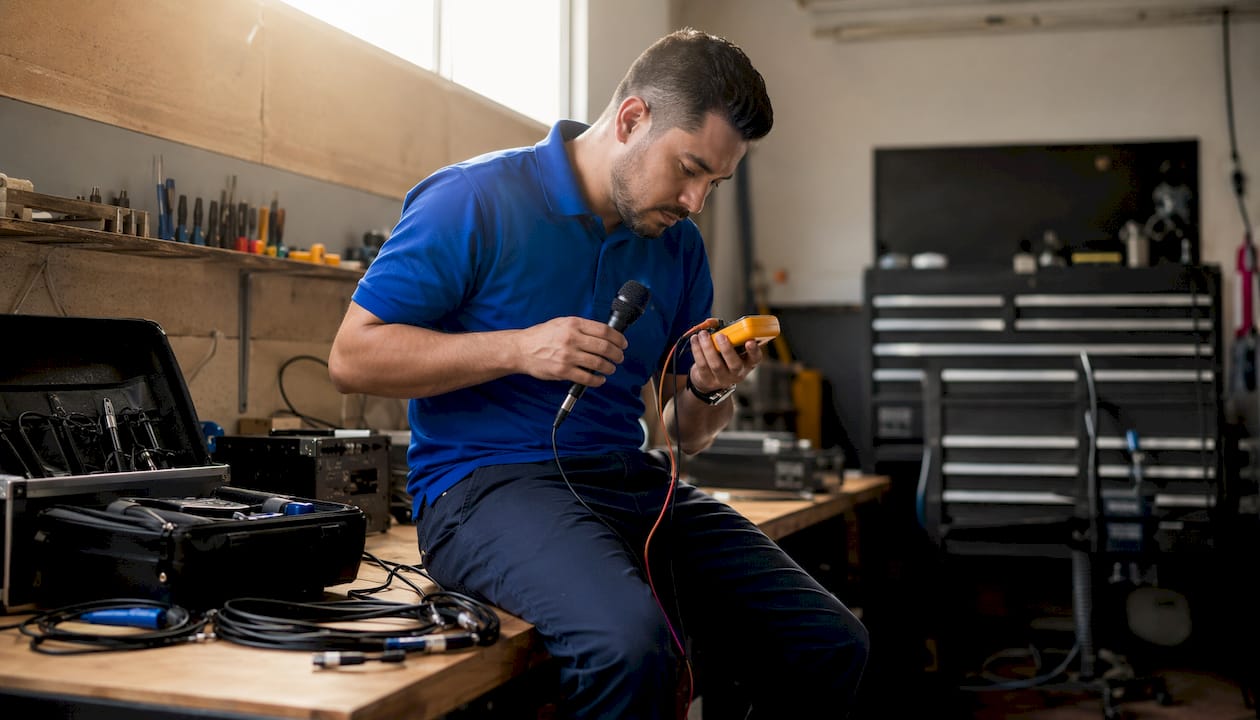
On-site microphone repair is the right call for most built-in mic failures on phones, tablets, and laptops in Orlando and Winter Park — but run these quick checks first. They take under 10 minutes and rule out the faults that don’t need a technician at all.
Quick checks before you call:
- Check your device’s privacy settings: iOS and Android both have per-app mic permissions that silently block input
- Confirm the correct input is selected in your audio app or system sound settings
- Mute toggle: physical switches on headsets and USB mics are easy to miss
- For external mics, test a different XLR cable and confirm 48V phantom power is enabled on your interface
- Condenser mic hissing or sounding like ocean waves? Seal it in a bag with high-capacity silica gel for 24–48 hours before assuming the capsule is dead
- Humming or buzzing? Check for RFI and grounding issues in your room before blaming the mic
- Wireless mic users: verify your frequency band is current with FCC standards — some older bands are restricted and limit what a technician can legally service
If none of that clears the problem, book an on-site visit with Repair Genius. Have your device model, a brief description of the fault, and your availability ready when you call.
Table of Contents
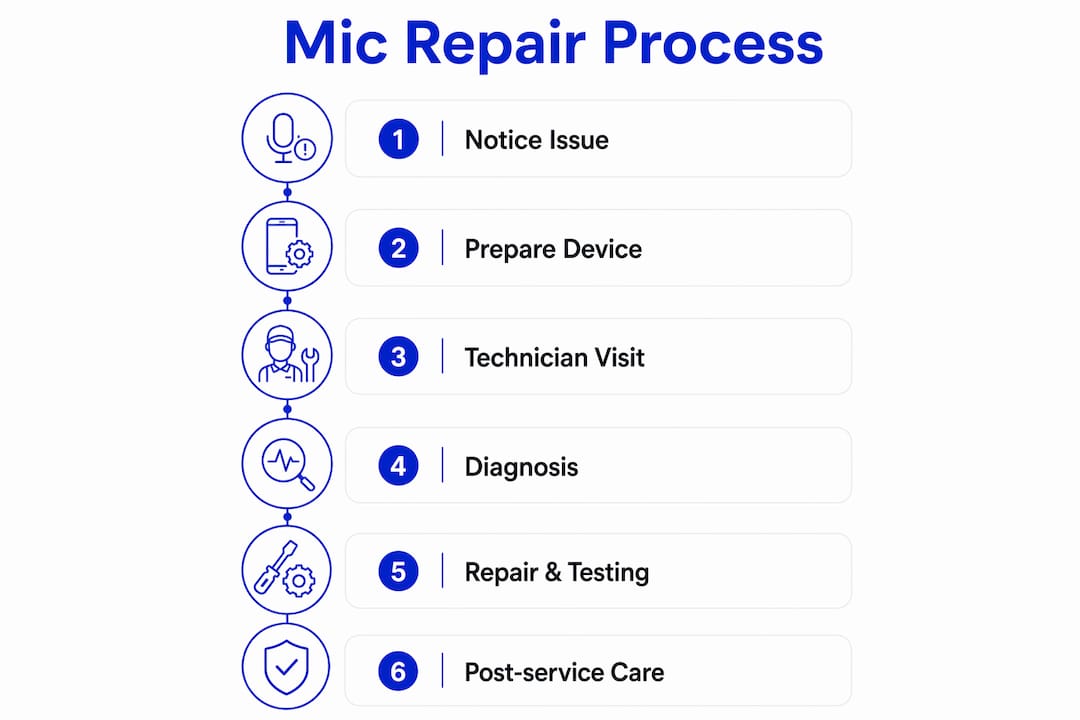
- How to prepare your device after you notice mic problems
- What happens during the on-site visit
- Verifying the repair and caring for your mic after service
- Repair Genius brings on-site mic service to your door
- Key Takeaways
How to prepare your device after you notice mic problems
The moment audio drops out or distorts, stop recording and note exactly when it happens: always, only on calls, only with certain apps. That pattern tells the technician more than any symptom description.
Back up your device before the visit. Repair Genius prioritizes data safety, but a current backup protects you regardless of who does the work. Disable any remote-wipe or Find My features so the technician can run diagnostic apps without triggering a lock. Write down your screen passcode — the tech needs it to access audio settings and run test recordings.
Pro Tip: Record a 30-second voice memo that captures the fault (silence, distortion, hiss) and keep it on the device. Hearing the actual symptom saves diagnostic time.
If the mic is on a laptop, note whether the issue appeared after an OS update — software-level mic failures are common after major updates and sometimes resolve without any hardware work.
What happens during the on-site visit
A Repair Genius technician arrives at your location, confirms the fault with you, then works through a structured diagnostic sequence. First comes a visual inspection: physical damage, debris in the mic port, corrosion on connectors. Then a software and signal-path check to rule out driver or permission issues.
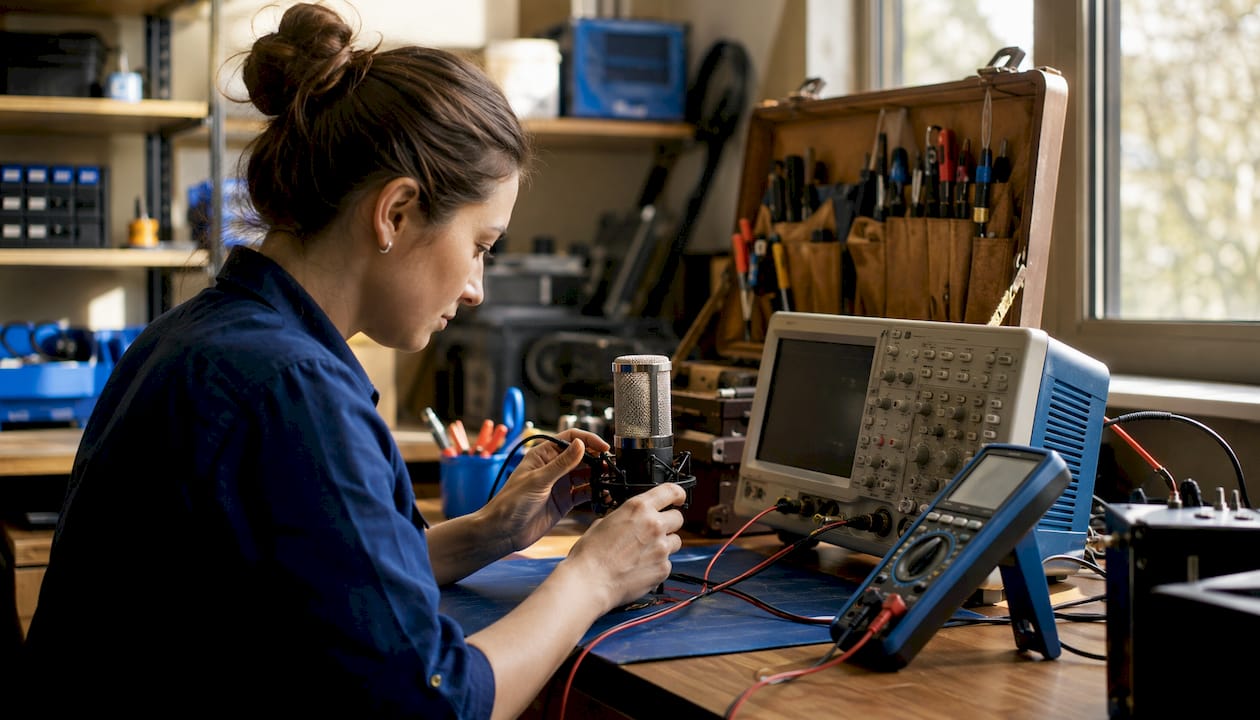
Effective microphone diagnosis requires calibrated test equipment. The technician uses an oscilloscope and voltage meter to measure frequency response and sensitivity, not just a quick listen. For wireless systems, FCC compliance is verified before any frequency-related work proceeds. You get a written summary of findings before any repair is authorized — no surprise charges.
Good shops also provide real-time updates during complex work, including audio clips or photos, so you understand what’s happening and what it costs. Repair Genius follows that same standard.
Verifying the repair and caring for your mic after service
Once the technician finishes, run a test recording on-site before they leave. Play it back through headphones, not the device speaker, so you can hear the actual mic output clearly. Confirm the fix holds across the apps where the fault originally appeared.
Repair Genius provides a written warranty on completed repairs. Keep that documentation. For minimizing future disruption, clean mic ports monthly with a dry brush, avoid storing devices in humid environments, and never blow compressed air directly into a mic port.
Repair Genius brings on-site mic service to your door

Repair Genius covers Orlando and Winter Park with on-site diagnostics for phones, tablets, laptops, and cameras — no drop-off, no waiting in line. Technicians carry calibrated test equipment, document post-repair performance, and quote transparently before touching anything. Emergency same-day options are available for urgent situations. Standard turnarounds for parts-dependent repairs typically run about a week, consistent with industry norms for professional mic work. Data safety is built into every visit: your personal information stays on your device, and Repair Genius’s 10+ years of experience means the technician has seen your exact fault before. Book directly at repairgeniuses.com — have your device model and fault description ready, and a technician will confirm your window fast.
Key Takeaways
On-site microphone repair in Orlando and Winter Park is most effective when you run quick software and signal-path checks first, then let a calibrated technician document the diagnosis and repair in writing.
| Point | Details |
|---|---|
| Check software first | Mic permissions, mute toggles, and input selection resolve many faults without any hardware work. |
| Moisture before replacement | Silica gel desiccation for 24–48 hours often clears condenser hiss without a capsule swap. |
| Calibrated diagnostics matter | Technicians should use an oscilloscope and voltage meter, then provide written post-repair documentation. |
| FCC wireless restrictions | Older wireless mic frequency bands may be restricted; verify compliance before booking any wireless repair. |
| Repair Genius | On-site service in Orlando and Winter Park with transparent pricing, data safety, and a written repair warranty. |
Recommended
- Electronics Repair in Orlando & Winter Park | Repair Genius
- iPhone Repair Orlando & Winter Park | Fast Service
- Cell Phone Repair in Orlando & Winter Park | Same-Day
- board-repair-macbook-iphone










