
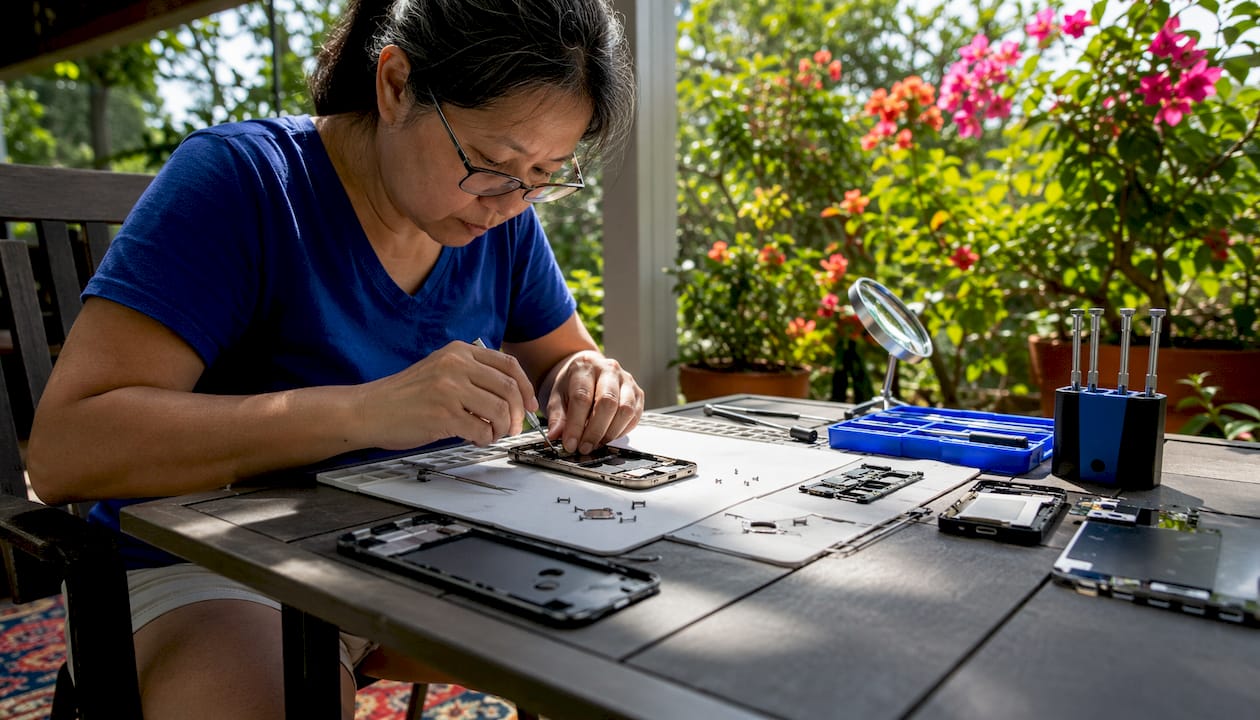
At home phone repair breaks into two clear paths: fix it yourself using a toolkit and online guides, or have a certified technician come to your location and handle it on the spot. Both approaches work, but for very different situations. DIY repairs make sense for simple, low-risk jobs on older or secondary devices. Professional in-home repair is the smarter call when your phone is mission-critical, the repair is complex, or you can’t afford to make things worse.
Here’s a quick breakdown of what each path involves:
- DIY repair: You source parts, buy tools, follow tutorials, and do the work yourself at home
- Professional on-site repair: A trained technician comes to you, brings everything needed, and completes the fix, often the same day
- Common DIY-friendly repairs: Battery swaps, charging port cleaning, screen protector replacement, software resets
- Repairs that need a pro: Cracked screen replacement on sealed phones, water damage, Face ID issues, logic board faults
- Key risks to weigh: Voided warranties, biometric sensor damage, data loss, and the cost of secondary damage
Table of Contents
- 1. Which phones and repair types are suited for at-home fixes?
- 2. How to do common DIY phone repairs safely at home
- 3. Troubleshooting common phone problems before you commit to a repair
- 4. Expert advice: should you DIY or call a professional technician?
- Repair Genius brings the fix to your front door
- Key Takeaways
1. Which phones and repair types are suited for at-home fixes?
Not every device or repair is a good candidate for mobile phone fixing at home, whether you’re doing it yourself or having someone come to you.
By device type:
- iPhones (older models, pre-iPhone 12): More modular, easier to source parts for, though still complex
- Android phones (especially mid-range models): Many use removable or semi-removable batteries, making them top DIY candidates
- Flagship phones (iPhone 15/16 series, Samsung Galaxy S24+): Sealed construction, proprietary components, and high replacement costs make DIY risky
- Tablets and accessories: Screen replacements are feasible for pros; battery swaps vary by model
By repair category:
- Screen replacement: Feasible for experienced DIYers on older models; professional-grade work on newer sealed devices
- Battery replacement: The most DIY-friendly hardware fix, especially on Android phones with accessible battery connectors
- Charging port: Cleaning is easy; full port replacement requires soldering skill on many models
- Camera module: Replacement is possible but alignment-sensitive; best left to professionals
- Software fixes: Factory resets, OS updates, and app troubleshooting are safe for anyone to attempt at home
Device age and warranty status matter a lot here. A phone still under manufacturer warranty should almost never be opened by anyone other than an authorized technician, since unauthorized repairs void coverage.
2. How to do common DIY phone repairs safely at home
DIY phone repairs work best when the fix is modular and the parts are affordable. Battery replacements on many Android models are the clearest example: the part is cheap, the process is documented, and the risk of secondary damage is low compared to screen work.
Essential tools for any DIY repair kit:
- Precision screwdriver set (Phillips, Pentalobe, Torx)
- Plastic pry tools and spudgers (never metal on circuit boards)
- Adhesive strips or B-7000 adhesive for resealing
- Heat gun or iOpener tool for loosening adhesive
- Suction cup for screen removal
- Anti-static mat and wrist strap
Step-by-step approach for battery replacement:
- Power down the device completely and remove the SIM tray
- Apply heat to the back panel or bottom edge for 60–90 seconds to soften adhesive
- Use a suction cup and plastic pry tool to separate the panel carefully
- Disconnect the battery connector before touching anything else
- Remove adhesive pull tabs under the battery; avoid puncturing the cell
- Seat the new battery, reconnect the connector, and test before resealing
For screen replacement at home, the process is similar but more demanding. You’ll need to transfer the earpiece, front camera, and home button (on older models) to the new display. Connector alignment is where most beginners make costly mistakes. Check resources like tech repair guides before attempting it for the first time.
Sourcing parts: Stick to reputable suppliers. Aftermarket screens vary wildly in quality; a cheap panel can cause touch sensitivity issues or color problems within weeks. For iPhones, Apple’s Self Service Repair program offers genuine parts, though at a higher price point.
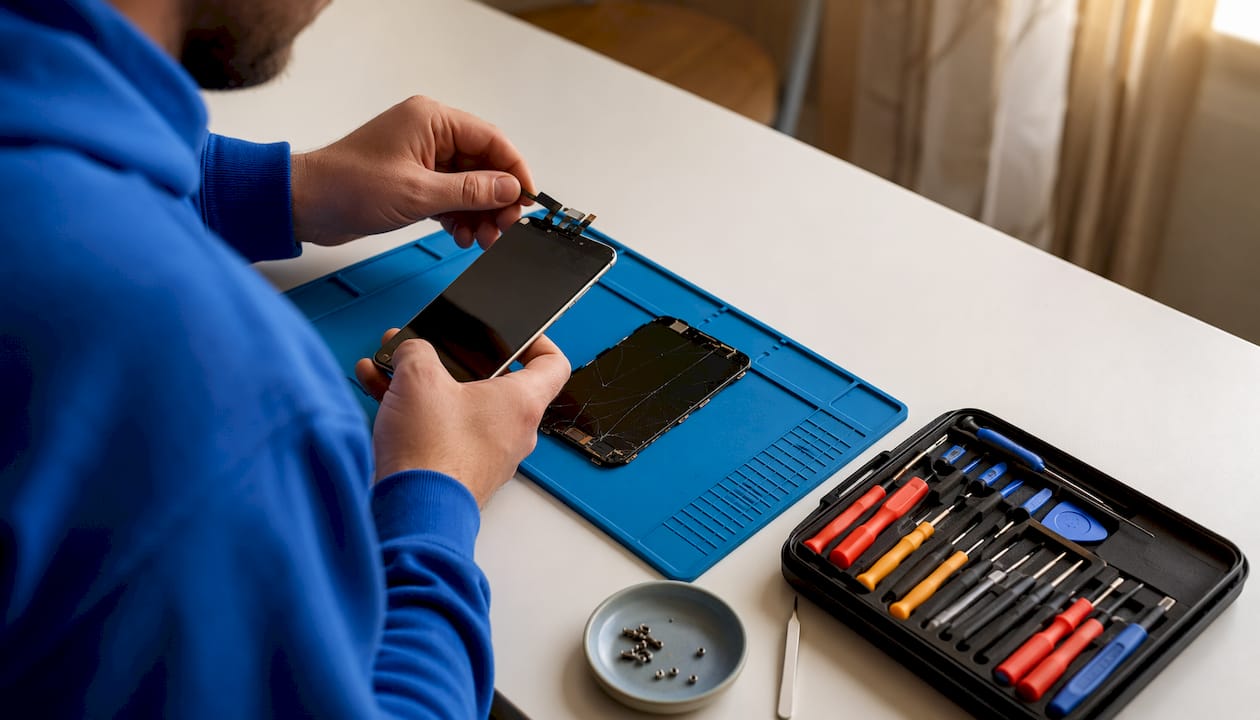
Pro Tip: Before opening any phone, check whether the repair requires component pairing, a software process that links replacement parts to the device’s motherboard. Face ID modules and some screens on newer iPhones require pairing via Apple’s proprietary software, meaning a physical swap alone won’t restore full functionality.
3. Troubleshooting common phone problems before you commit to a repair
A surprising number of phone issues don’t need hardware work at all. Running through basic diagnostics first can save you time and money.
Black screen or no display:
- Force restart the device (hold power + volume down for 10 seconds on most Android; power + volume up on iPhone 8 and later)
- Connect to a charger and wait 15 minutes before attempting a restart
- If the screen is cracked but the phone responds to touch, the display panel may need replacement rather than the whole assembly
Phone won’t power on:
- Rule out a dead battery by charging for 30 minutes with a known-good cable and adapter
- Try a different charging cable; faulty cables are the cause of “dead phone” calls more often than people expect
- If the phone gets warm but won’t boot, a software issue or corrupted OS may be the culprit
Charging problems:
- Use a toothpick or compressed air to clear lint from the charging port before assuming hardware failure
- Test with multiple cables and adapters
- If wireless charging works but the port doesn’t, the port itself likely needs replacement
Software fixes worth trying first:
- Clear app cache and disable background apps draining the battery
- Boot into safe mode to isolate a problematic app
- Perform a soft reset before considering a factory reset
When troubleshooting points to a hardware fault you can’t isolate, or when the phone has water damage, that’s the signal to bring in a professional. Common repair red flags like a swollen battery, burning smell, or intermittent touchscreen response after a drop all warrant expert assessment.

4. Expert advice: should you DIY or call a professional technician?
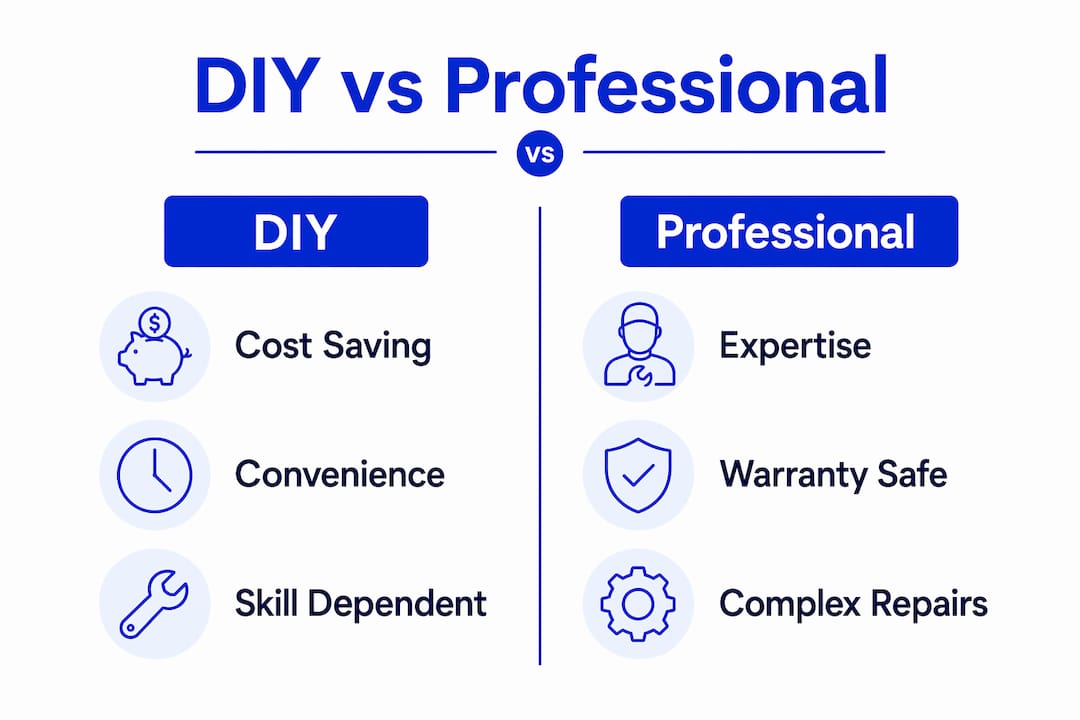
The honest answer depends on three things: how much the phone is worth, how complex the repair is, and how much you can afford to lose if something goes wrong.
When DIY makes sense:
- The phone is older or a secondary device with low replacement value
- The repair is a battery swap or port cleaning, not a screen or logic board job
- You have the tools, the time, and a backup device to use if things go sideways
- Repair costs on a limited budget are a real constraint
When professional repair is the better call:
- The phone is your primary work device or holds sensitive data
- The repair involves a sealed screen, water damage, or biometric components
- You’re still within the manufacturer warranty period
- The total cost of DIY including tools, parts, time, and damage risk approaches or exceeds what a pro would charge
One non-obvious risk that catches a lot of people off guard: biometric sensor damage. Face ID and Touch ID components are factory-paired to the motherboard. If you damage them during a DIY repair, no replacement part will restore them. That’s a permanent loss of functionality, not a fixable mistake.
On the professional side, reputable shops should never ask for your PIN or passcode to complete a hardware repair. Trusted technicians explain exactly which components they’ll access and why. If a provider is vague about that, treat it as a red flag.
What the data shows: Reputable professional repair shops have significantly higher success rates on standard repairs compared to DIY beginners, with the latter facing a notable risk of additional damage or failure on many first attempts.
Before handing your phone to anyone, back up your data. Routine hardware repairs like screen and battery replacements rarely delete data, but water damage and logic board work can require a factory reset. Preparation eliminates that risk entirely.
Repair Genius brings the fix to your front door
Skipping the repair shop entirely is exactly what Repair Genius was built for. Rather than driving across town and leaving your phone for days, you get a certified technician at your location in Orlando or Winter Park, Florida, often the same day you call.

Repair Genius has over 10 years of experience fixing iPhones, Android phones, laptops, and tablets on-site, with transparent pricing and no hidden fees. Every repair comes with clear communication about what’s being accessed and why, so your data stays private throughout the process. For anyone whose phone is too important to risk a DIY attempt, or who simply doesn’t want the hassle, on-site repair in Orlando is the straightforward alternative. Book a visit at repairgeniuses.com and get your device back in working order without leaving home.
Key Takeaways
At home phone repair works best when you match the repair type to your skill level and the device’s value, with professional on-site service covering the cases where DIY risk is too high.
| Point | Details |
|---|---|
| DIY suits simple repairs | Battery swaps and port cleaning are the safest DIY jobs; screen and logic board work carry much higher risk. |
| Pro success rates are significantly higher | Reputable shops achieve much higher success on standard repairs; DIY beginners face a notable risk of additional damage or failure on first attempts. |
| Biometric damage is irreversible | Face ID and Touch ID sensors are factory-paired; DIY damage to them cannot be fixed with replacement parts. |
| Data prep is non-negotiable | Back up before any repair; routine hardware fixes rarely delete data, but complex faults can require a factory reset. |
| Repair Genius offers same-day on-site service | Certified technicians come to your location in Orlando and Winter Park with transparent pricing and no hidden fees. |
Recommended
- Phone Repair with a Limited Budget: Smart Fixes That Last
- On-Site Computer Repair vs Repair Shop
- Phone Repair vs Replacement Cost: 2026 Decision Guide
- Mobile Repair Service Near Me










